Comparison · Home office · 2 models
Monitor light bar or desk lamp: which do you need? BenQ ScreenBar against a 750-lumen Lepro lamp
A light bar clamps to the monitor, takes no desk space, runs from a USB port and lights exactly the patch of desk in front of the screen. A desk lamp lights whatever you point it at — including paper, the shelf and your face on a video call — and needs a socket and 10 by 16 cm of desk. Which you need depends on one question: is the screen the only thing you look at?
Quick answer
Side by side
| Model | Power consumption | Colour temperature | Width | Weight | Where to buy |
|---|---|---|---|---|---|
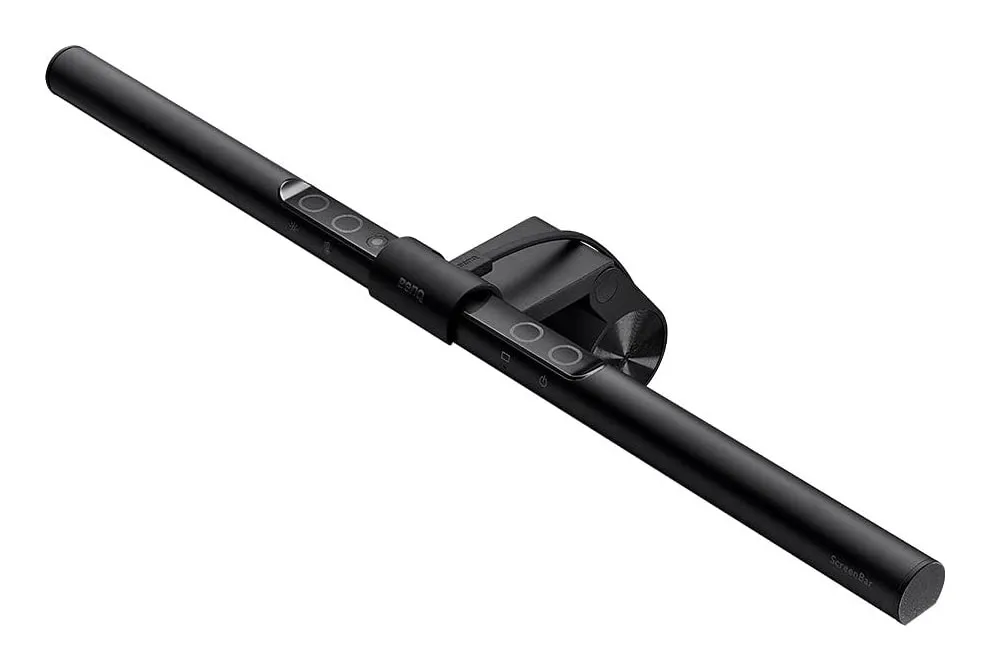
| BenQ ScreenBar monitor light barthe light bar — desk in front of the screen, no footprint | 5 W | 2700–6500 K | 45 cm | 0.53 kg† | View listing |
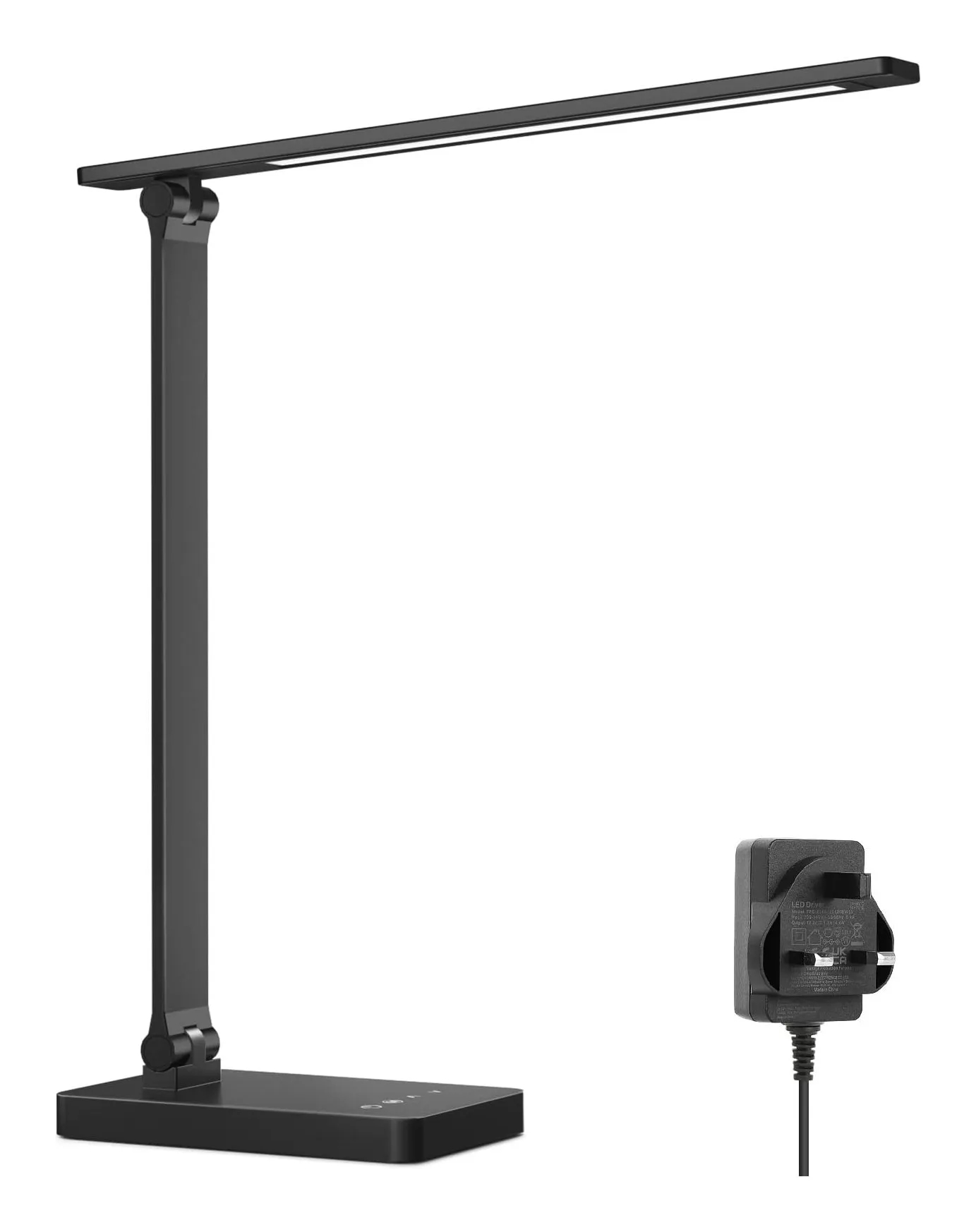
| Lepro LED Desk Lamp, 750 lmthe desk lamp — 750 lumens wherever you aim it | 9.2 W | 2700–5700 K | 10 cm† | 0.7 kg† | View listing |
Scroll sideways to see every column
† Figure from a retailer listing or otherwise awaiting confirmation from the manufacturer; other figures come from manufacturer manuals and leaflets.
BenQ’s figures are from its UK specification page; Lepro states brightness, power and colour temperatures but no dimensions, so the lamp’s size and weight are retailer figures marked as pending in our data.
What each one lights
the light bar — desk in front of the screen, no footprint
BenQ ScreenBar monitor light bar
- Power consumption
- 5 W
- Colour temperature
- 2700–6500 K
- Width
- 45 cm
- Weight
- 0.53 kg†
Check price on Amazon.co.uk
The ScreenBar is a 45 cm bar of LEDs hung over the top of the monitor by a weighted clamp, with asymmetric optics that throw light forward and down. BenQ specifies 930 lux at the centre 45 cm below the bar, and 500 lux — the office-lighting level — across a 60 × 30 cm patch, which is the keyboard, the mouse and the near edge of the desk. It has eight colour temperatures from 2700 to 6500 K, fifteen brightness levels, an ambient sensor that holds the desk at 500 lux as daylight fades, and touch keys on the bar. It lights nothing else: not the screen (by design), not the shelf, not your face.
Strengths
- Runs from any USB port at 5 W — the monitor's own will do
- No desk footprint and no screen reflection
- Auto-dims to 500 lux; eight colour temperatures, 15 levels
Limitations
- Monitors 1–3 cm thick only — many current thin monitors and most curved ones are out
- Lights the desk in front of the monitor, not the room or the paper beside it
- No backlight; no remote
Good for
- a monitor on a shallow desk in a room with some ambient light
- a work laptop docked to a monitor
- the first light bar, to see whether the idea suits you
Look elsewhere if
- a laptop screen — it cannot mount
- a dark room in the evening — the Halo 2's backlight
- thin or curved monitors
the desk lamp — 750 lumens wherever you aim it
Lepro LED Desk Lamp, 750 lm
- Power
- 9.2 W
- Colour temperature
- 2700–5700 K
- Width
- 10 cm†
- Weight
- 0.7 kg†
Check price on Amazon.co.uk
The Lepro is a conventional arm lamp: 750 lumens from 72 LEDs in a head you position, five colour temperatures from 2700 to 5700 K, five brightness levels, a touch panel with memory, and a mains adapter with a UK plug. It lights where you point it — the desk in front of the screen if you want, or the notebook beside it, the keyboard, the bookshelf, or your face for a call. It also, if you place it carelessly, lights the screen.
That is the whole comparison in two paragraphs. The bar does one thing well and cannot do the others. The lamp does everything adequately and needs you to place it well.
Strengths
- 750 lm from 72 LEDs — enough for a laptop-and-notebook desk
- Five colour temperatures from 2700 to 5700 K, five brightness levels, memory of the last setting
- UK adapter included; folds flat for storage
Limitations
- Base does not rotate, so aiming is done with the two joints
- Dimensions and weight come from the listing, not from Lepro
- Plastic and aluminium rather than all-metal
Good for
- a first lamp for a working-from-home desk
- switching between daylight and evening light
- someone who does not want to buy an adapter
Look elsewhere if
- a desk with no free surface — see the clamp version
- a wide desk that needs light on both sides of a monitor
Reflections and glare
The Health and Safety Executive’s display-screen guidance is to avoid glare and reflections on the screen, and the two products approach that differently. The bar solves it optically: light goes down and forward, the screen is behind the cut-off, and there is nothing to position. The lamp solves it — or not — by placement: to the side of the screen, on the side opposite your writing hand, with the head above your eye line or shaded so you cannot see the LEDs directly. Done right, a lamp gives no more glare than a bar. Done wrong, it puts a bright bar of light in a glossy screen.
Desk space and power
The bar takes no desk space, hangs its 0.53 kg on the monitor and runs from any USB port at 5 W — usually the monitor’s own, so it needs no socket. The lamp needs its base on the desk (about 10 × 16 cm by the retailer’s figure), its own mains adapter and a socket, and 9.2 W. On a shallow desk, or one where the sockets are already full, the bar’s absence of footprint decides it.
Colour temperature and brightness
Both span warm to cool: the bar 2700–6500 K in eight steps, the lamp 2700–5700 K in five. The lamp’s 750 lumens is a source figure; the bar’s 500 lux over 60 × 30 cm is a desk figure, and the two cannot be compared directly. What matters in use: both give a daylight-white setting for the afternoon and a warm one for the evening, and both remember what you set.
Where the bar cannot go
Laptops. The ScreenBar clamps to monitors 1 to 3 cm thick, flat or curved; a laptop lid is thinner, hinged and at the wrong height. BenQ’s laptop-mounted ScreenBar Lite has been withdrawn, so a laptop-only desk gets a lamp or a monitor, not a bar. Thin modern monitors under 1 cm and thick or strongly curved ones also fall outside this bar’s clamp; BenQ’s Halo 2 takes 0.43 to 6 cm and 1000R–1800R curves, at three times the power.
Which one, by desk
- Monitor, shallow desk, screen work only: ScreenBar.
- Monitor plus paper or a notebook: a lamp on the writing-hand’s opposite side — or both, the bar for the keyboard and a lamp for the page.
- Laptop only: lamp. There is no bar for you.
- Video calls in a dim room: a lamp aimed at your face from beside the screen; a bar lights your hands.
- Dark room in the evening: the Halo 2’s backlight or a lamp bounced off the wall behind the monitor.
Sources
Facts checked 24 September 2026
- HSE — Display screen equipment: good posture — Standard or regulation, checked 24 September 2026
- BenQ UK — ScreenBar (original) product page — Manufacturer documentation, checked 24 September 2026
- BenQ UK — ScreenBar (original) specifications — Manufacturer documentation, checked 24 September 2026
- Amazon.co.uk listing (BenQ) — Retailer listing, checked 24 September 2026
- Lepro UK — LED Desk Lamp with Power Adapter 310002-DWW-UK product page — Manufacturer documentation, checked 23 September 2026
- Amazon.co.uk listing (Lepro) — Retailer listing, checked 23 September 2026
Is a light bar better than a desk lamp?
For lighting the desk in front of a monitor without reflections, yes — that is the one job it is designed for, and BenQ's asymmetric optics do it while taking no desk space and 5 W from a USB port. For everything else a lamp does — lighting paper beside the screen, a shelf, your face on a call, a desk with no monitor — no. Decide by what you look at besides the screen.
Are monitor light bars worth it?
If your desk is shallow, your monitor is the only thing you look at, and your room is dim in the evening, a light bar solves a real problem at a small cost in power and space. If you read paper, write by hand or work from a laptop screen, it solves a problem you do not have.
Can you use a light bar on a laptop?
Not this one, and not most: BenQ's ScreenBar clamps to monitors 1 to 3 cm thick and a laptop lid is thinner and hinged. The laptop-mounted ScreenBar Lite was withdrawn, so the honest advice for a laptop-only desk is a lamp — or a monitor.
Does a light bar reflect on the screen?
The point of the asymmetric design is that it does not: BenQ's bar throws light forward and down onto the desk, with a cut-off that keeps it off the screen and out of your eyes. A desk lamp placed behind or beside you will reflect in a glossy screen unless you position it to the side and above eye level.
Related reading
Shortlist · Home office
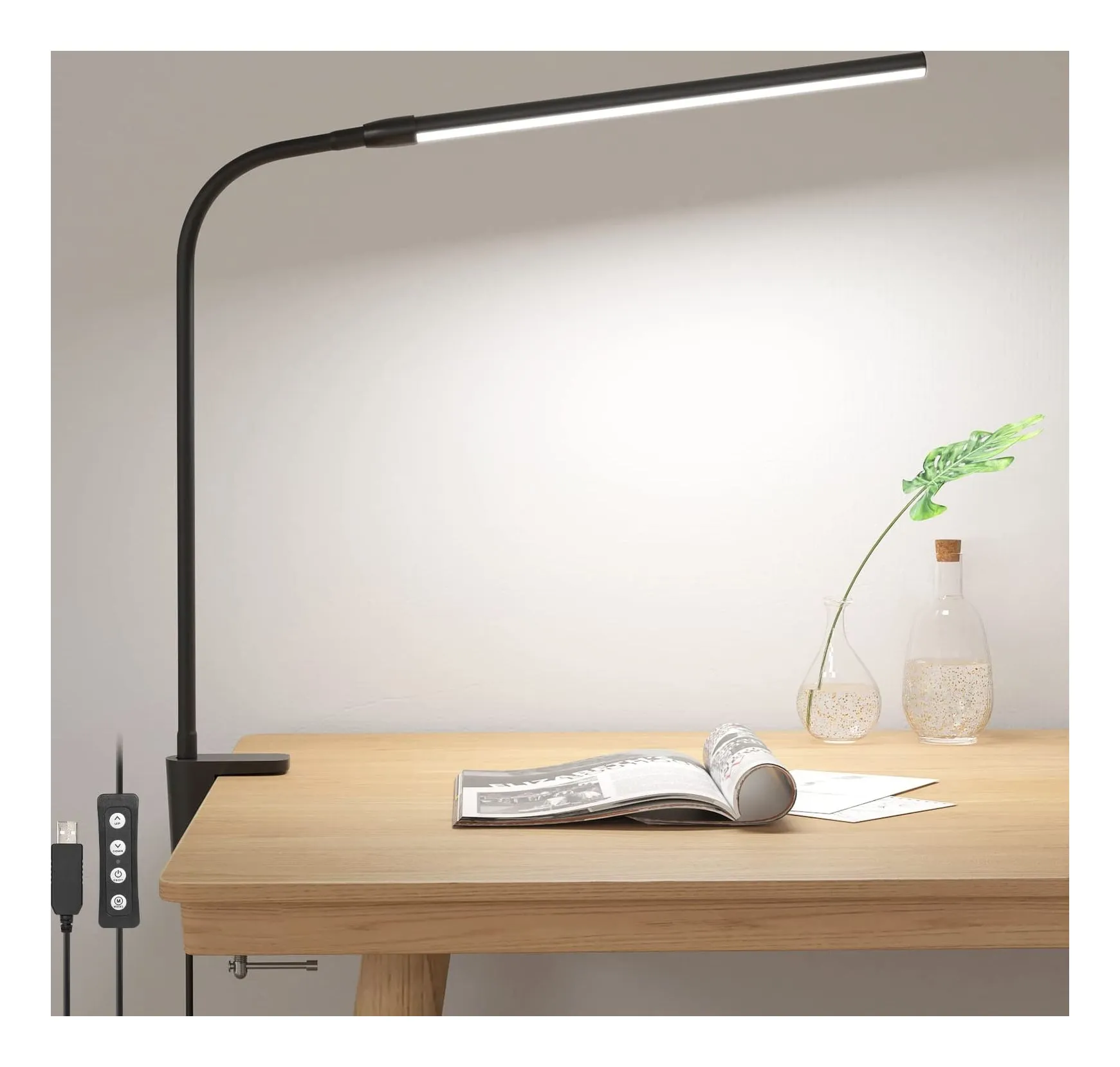
Desk lamps for working from home: six lamps for a small UK desk, from a USB clip-on to an Anglepoise
Most desk lamps are chosen on looks and then blamed for glare. These six differ in the ways that actually matter at a small desk: how much light lands on the surface, whether the colour can shift from daylight to evening, how much desk they take, and where the power comes from — a USB port, a plug-in adapter or an ordinary bulb.
Review · Home office
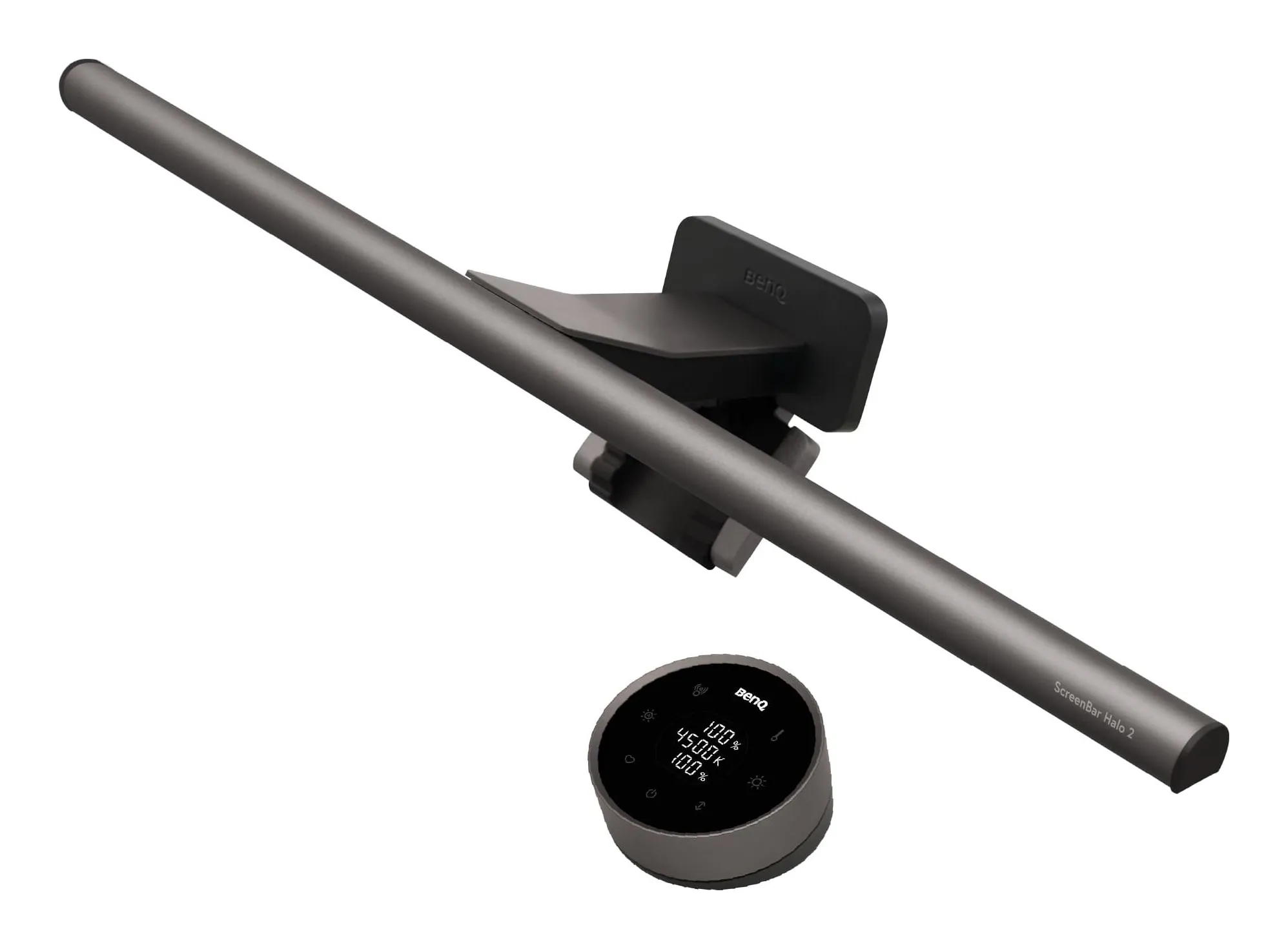
BenQ ScreenBar Halo 2 review: a monitor light bar for a dark room
A 50 cm bar that clamps to the top of a monitor, lights the desk in front of it without reflecting in the screen, and — this is the Halo part — throws a second, tunable light onto the wall behind the monitor so a dark room stops being a dark room. A wireless dial runs both. BenQ's own figures, what it leaves out, and who should buy the plain ScreenBar or a desk lamp instead.
Guide · Home office
How to arrange a small desk for working from home: screen height, light, cables and sockets, in that order
A box room, a living-room corner or the end of the kitchen table can be a desk you sit at for eight hours without hurting — if four things are right. The HSE gives the first in one sentence. This guide takes the rest in the order they matter, with the products that solve each one and the reasons they might not be for you.