Review · Home office · 1 model
BenQ ScreenBar Halo 2 review: a monitor light bar for a dark room
A 50 cm bar that clamps to the top of a monitor, lights the desk in front of it without reflecting in the screen, and — this is the Halo part — throws a second, tunable light onto the wall behind the monitor so a dark room stops being a dark room. A wireless dial runs both. BenQ's own figures, what it leaves out, and who should buy the plain ScreenBar or a desk lamp instead.
Verdict
What it is
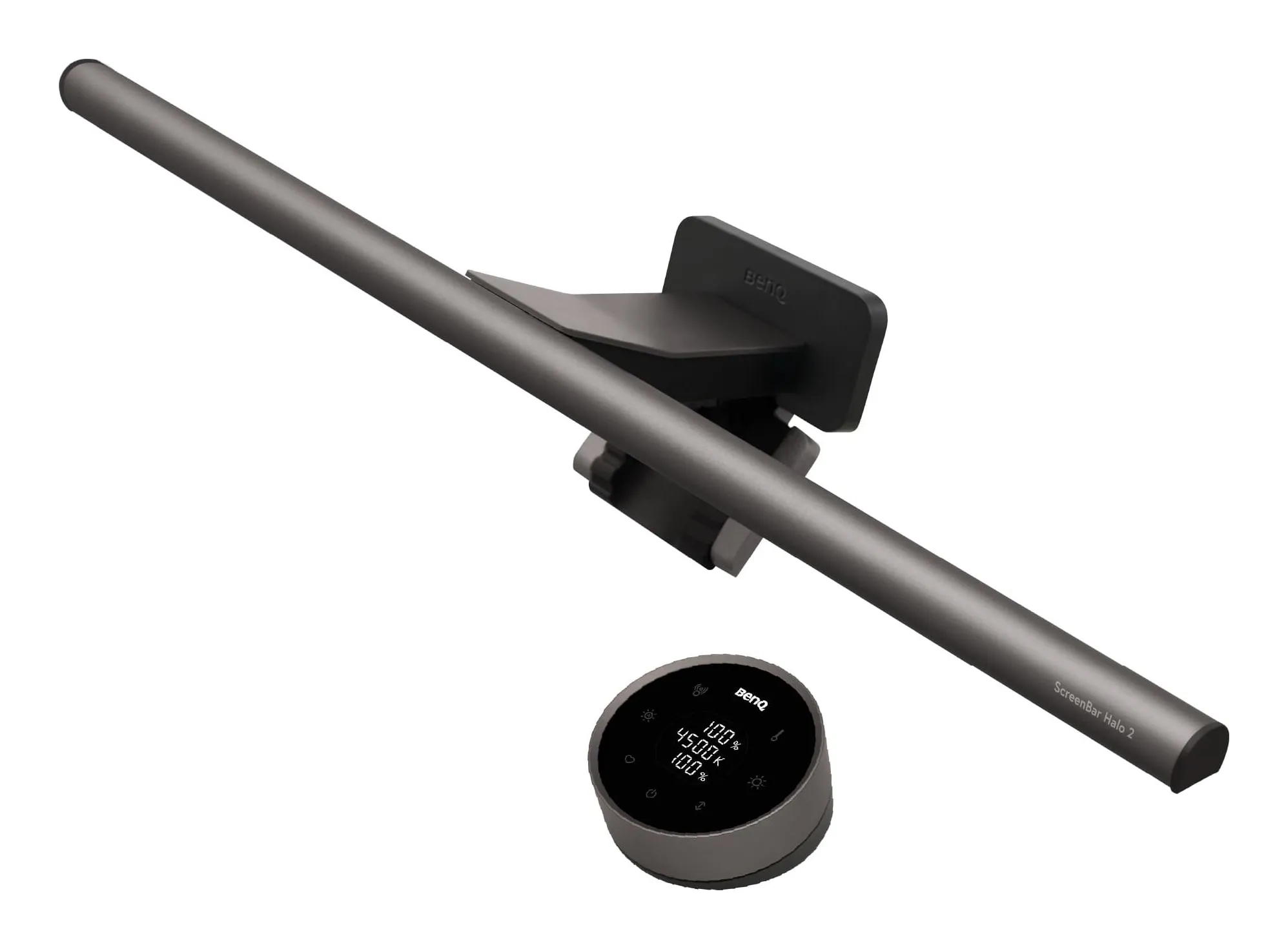
the light bar reviewed
BenQ ScreenBar Halo 2 monitor light bar
- Centre illuminance
- 1000 lux
- Power consumption
- 15 W
- Weight
- 0.8 kg
- Width
- 50 cm
Check price on Amazon.co.uk
A 50 cm aluminium light bar with a weighted clamp that hangs it over the top edge of a monitor, an asymmetric front light aimed at the desk, a tri-zone backlight aimed at the wall, and a round wireless controller with a numeric touch panel that sits on the desk. Power is USB-C at 5 V and up to 3 A — 15 W maximum — over a 1.5 m cable. BenQ gives the bar as 50 × 14.3 × 10.9 cm and 0.8 kg net, the controller as 7.4 × 7.4 × 3.95 cm.
Strengths
- Front light at an 18° cut-off: the desk is lit, the screen is not
- Backlight behind the monitor with the same 2700–6500 K range, for evening work in a dark room
- Wireless dial, auto-dimming to 500 lux, presence sensor; monitors up to 6 cm thick and 1000R–1800R curves
Limitations
- Needs a 5 V 3 A USB-C source — a phone charger, not a monitor's USB port
- No lumen figure and no stated warranty term on BenQ's UK pages
- A lot of light bar for a laptop-only desk, where it cannot mount
Good for
- a monitor in a room that is dark by 5 pm
- a shallow desk with no room for a lamp base
- someone who dislikes reflections on the screen
Look elsewhere if
- a laptop without a monitor
- a bright room where a plain ScreenBar does the front-light job
- anyone who wants a lamp that also lights paperwork beside the monitor
The front light
Every ScreenBar’s argument is the optics: an 8-section reflector, twelve lenses and an 18-degree cut-off so the light lands on the desk and not on the screen or in your eyes. BenQ rates the Halo 2 at more than 1000 lux at the centre, 50 cm below the bar, and 500 lux across 85 × 50 cm — the 500 lux being the office-lighting level its auto-dimming mode targets. Colour temperature runs from 2700 to 6500 K and brightness is stepless. Colour rendering is Ra ≥ 95 and Rf ≥ 96, and BenQ cites IEEE PAR 1789 for flicker and IEC TR 62471 for blue-light hazard, both passed.
In practice that means a keyboard, notebook and hands lit to something like the screen’s brightness, which is what stops eyes tiring in the late afternoon. It does not light the room, the shelf beside the monitor or a document held up to read; a lamp does those.
The backlight — why “Halo”
Behind the monitor, a second strip of LEDs washes the wall. On the first Halo it was small and fixed-colour; BenQ says this one covers 423% more area and tunes across the same 2700–6500 K as the front, so the wall can match the desk. The point is contrast: a bright screen against a dark wall is the tiring arrangement, and a lit wall behind it is the fix that bias lighting on televisions has used for years. If your room has daylight or a ceiling light on while you work, you will barely use it. If you work into the evening in a room lit only by the screen, it is the reason to buy this bar.
The controller
A rechargeable wireless puck with a dial and a numeric touch panel showing brightness, colour temperature and backlight level; BenQ says up to three months per charge, and one controller can run two Halo 2 bars on a two-monitor desk. It replaces the wired puck of the first Halo and the touch keys on the plain ScreenBar, and it is the part that makes you actually adjust the light through the day rather than leaving it on one setting.
Auto-dimming and the presence sensor
One press sets the front light to bring the desk to 500 lux and hold it there as daylight changes. An ultrasonic sensor, 50 cm above the desk, watches for movement within about 60 cm and turns the bar off five minutes after you leave; it comes back when you sit down. Both are conveniences that stop mattering once you forget they exist, which is the compliment.
Fit and power
Monitors from 0.43 to 6 cm thick, flat or curved between 1000R and 1800R, which covers almost everything current including thin-bezel and curved panels the plain ScreenBar (1–3 cm, flat or curved) cannot hold. The bar is 50 cm wide, so on a 24-inch monitor it reaches nearly edge to edge. Power is the catch people miss: 5 V at 3 A is a phone-charger’s job, not a monitor USB port’s, so budget a 15 W USB-C adapter or a dock port.
What BenQ does not say
No lumen figure — BenQ specifies lux on the desk, which is more useful but not comparable with a desk lamp’s lumens. No warranty term on any of BenQ’s UK pages for this product, only its general European terms; ask the retailer. And no laptop mount: like every ScreenBar, it needs a monitor.
Strengths
- Front light at an 18° cut-off: the desk is lit, the screen is not
- Backlight behind the monitor with the same 2700–6500 K range, for evening work in a dark room
- Wireless dial, auto-dimming to 500 lux, presence sensor; monitors up to 6 cm thick and 1000R–1800R curves
Limitations
- Needs a 5 V 3 A USB-C source — a phone charger, not a monitor's USB port
- No lumen figure and no stated warranty term on BenQ's UK pages
- A lot of light bar for a laptop-only desk, where it cannot mount
Good for
- a monitor in a room that is dark by 5 pm
- a shallow desk with no room for a lamp base
- someone who dislikes reflections on the screen
Look elsewhere if
- a laptop without a monitor
- a bright room where a plain ScreenBar does the front-light job
- anyone who wants a lamp that also lights paperwork beside the monitor
Who should buy it
- A monitor in a room that is dark by five o’clock: the backlight earns its price.
- A thin, thick or curved monitor the plain ScreenBar cannot clamp.
- A shallow desk where a lamp base has nowhere to go.
Who should not
- A laptop-only desk: a light bar cannot mount; the desk lamps in our roundup can.
- A bright room on a standard monitor: the plain ScreenBar lights the desk for 5 W from the monitor’s own USB port.
- Anyone who needs to light paper beside the monitor or the room itself: a lamp.
Sources
Facts checked 24 September 2026
- BenQ UK — ScreenBar Halo 2 product page — Manufacturer documentation, checked 24 September 2026
- BenQ UK — ScreenBar Halo 2 specifications — Manufacturer documentation, checked 24 September 2026
- Amazon.co.uk listing (BenQ) — Retailer listing, checked 24 September 2026
Is the ScreenBar Halo 2 worth it over the plain ScreenBar?
It is worth it for two reasons and no others: the backlight, if you work in a room that is dark in the evening and want the contrast between screen and surroundings reduced; and monitor compatibility, if your monitor is thinner than 1 cm, thicker than 3, or curved — the plain ScreenBar takes 1–3 cm flat or curved monitors only, the Halo 2 takes 0.43–6 cm and 1000R–1800R curves. In a bright room on a standard monitor, the plain bar does the front-light job for a third of the power.
What is different from the original Halo?
BenQ's own comparison: the backlight covers 423% more area and tunes across the full 2700–6500 K range, the minimum brightness is 64% lower, and the controller is now wireless and rechargeable rather than wired, lasting up to three months per charge. The presence sensor, which turns the bar off five minutes after you leave, is also new to this generation.
Does it work on a curved monitor?
BenQ specifies 1000R to 1800R curves and 0.43 to 6 cm of thickness. Most curved monitors sold in the UK are 1500R or 1800R, so yes; a 1000R ultrawide is at the limit.
Does it need a mains socket?
It needs a USB-C source that can supply 5 V at 3 A — a phone charger of 15 W or more, or a powered USB-C port on a dock. A monitor's own USB port will usually not do it; the plain ScreenBar runs from one because it draws 5 W. The cable is 1.5 m.
Related reading
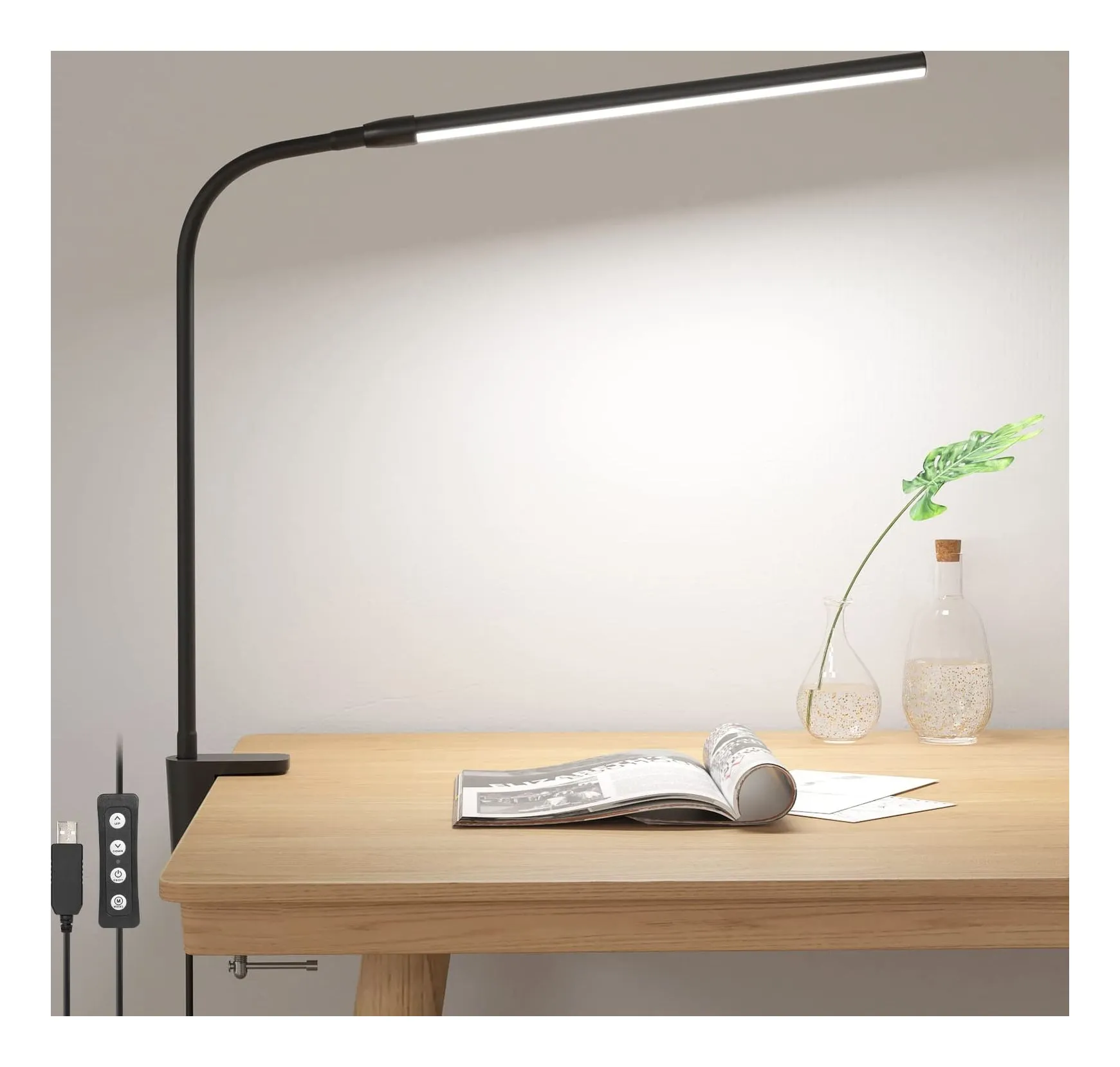
Shortlist · Home office
Desk lamps for working from home: six lamps for a small UK desk, from a USB clip-on to an Anglepoise
Most desk lamps are chosen on looks and then blamed for glare. These six differ in the ways that actually matter at a small desk: how much light lands on the surface, whether the colour can shift from daylight to evening, how much desk they take, and where the power comes from — a USB port, a plug-in adapter or an ordinary bulb.
Comparison · Home office
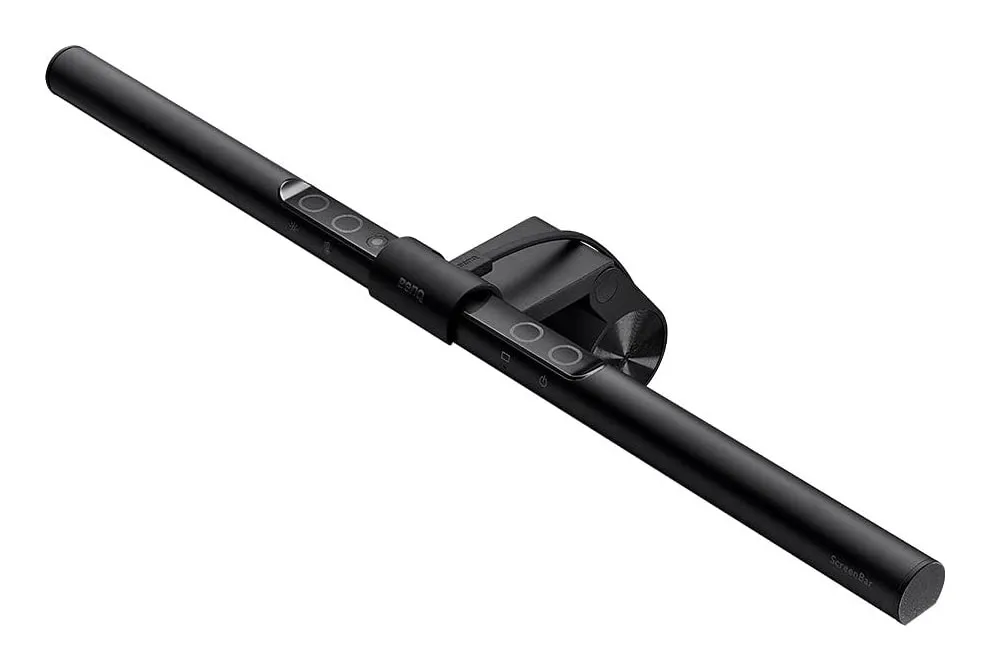
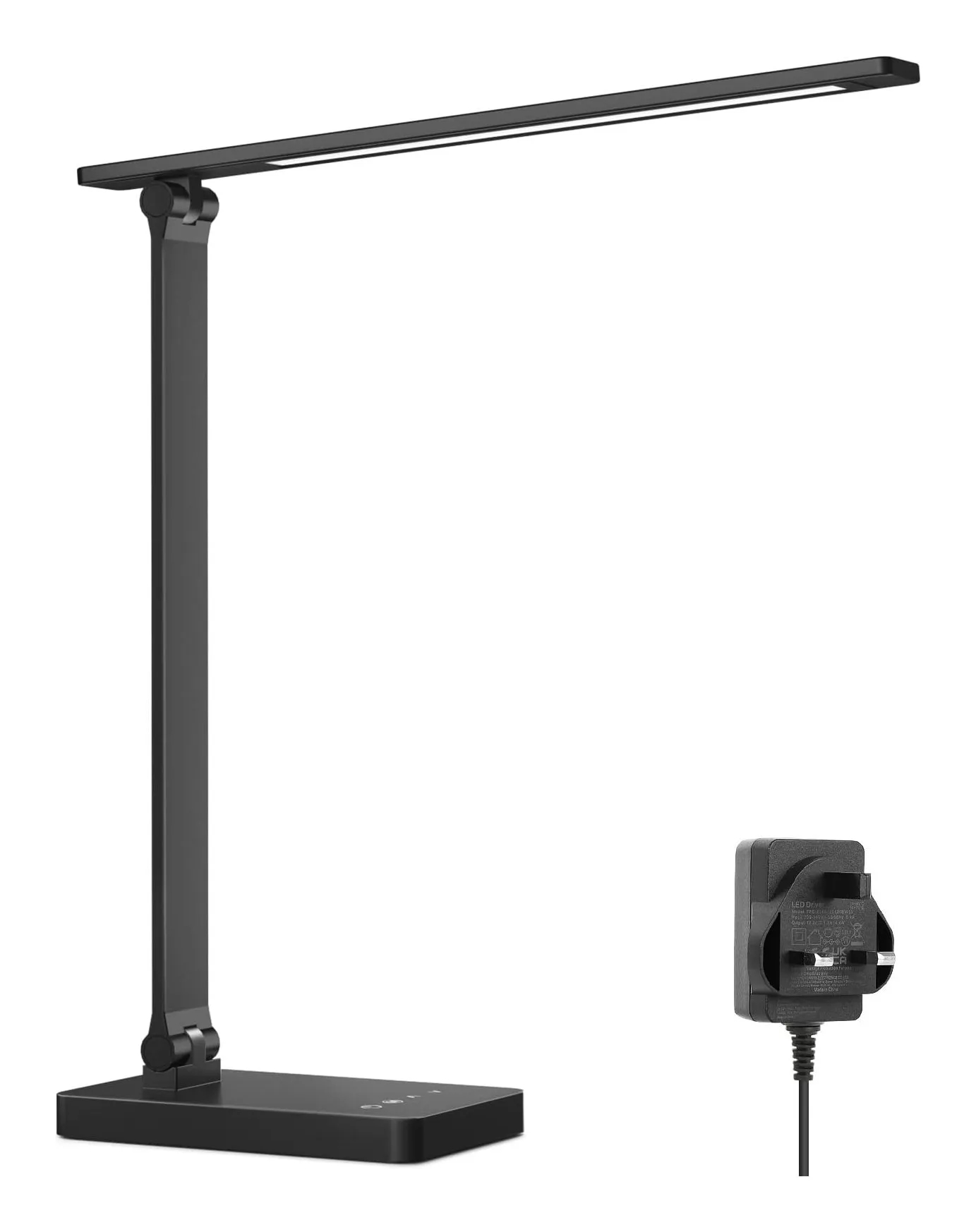
Monitor light bar or desk lamp: which do you need? BenQ ScreenBar against a 750-lumen Lepro lamp
A light bar clamps to the monitor, takes no desk space, runs from a USB port and lights exactly the patch of desk in front of the screen. A desk lamp lights whatever you point it at — including paper, the shelf and your face on a video call — and needs a socket and 10 by 16 cm of desk. Which you need depends on one question: is the screen the only thing you look at?
Guide · Home office
How to arrange a small desk for working from home: screen height, light, cables and sockets, in that order
A box room, a living-room corner or the end of the kitchen table can be a desk you sit at for eight hours without hurting — if four things are right. The HSE gives the first in one sentence. This guide takes the rest in the order they matter, with the products that solve each one and the reasons they might not be for you.