Guide · Charging & power · 4 models
Charger wattage, PD, PPS and cables: what actually charges your devices fast
A USB-C charger's wattage is a ceiling, not a promise. What a phone or laptop actually draws is negotiated — by USB Power Delivery, by Samsung's PPS, by the chip in the cable — and the negotiation fails silently: the device charges slowly and nobody says why. This guide explains the three things that have to agree, using the figures Anker, UGREEN, Belkin and Samsung publish for their own products.
Three things have to agree
Fast charging happens when three components agree on a voltage and a current: the charger offers a set of options, the cable is rated to carry them, and the device picks one. Any one of the three can be the bottleneck, and when it is, nothing tells you — the device just charges at the lowest rate everyone can agree on. Most “my charger is slow” complaints are one of the three mismatched. Here is how each one works.
The charger: a ceiling and a menu
30 W — a phone's ceiling
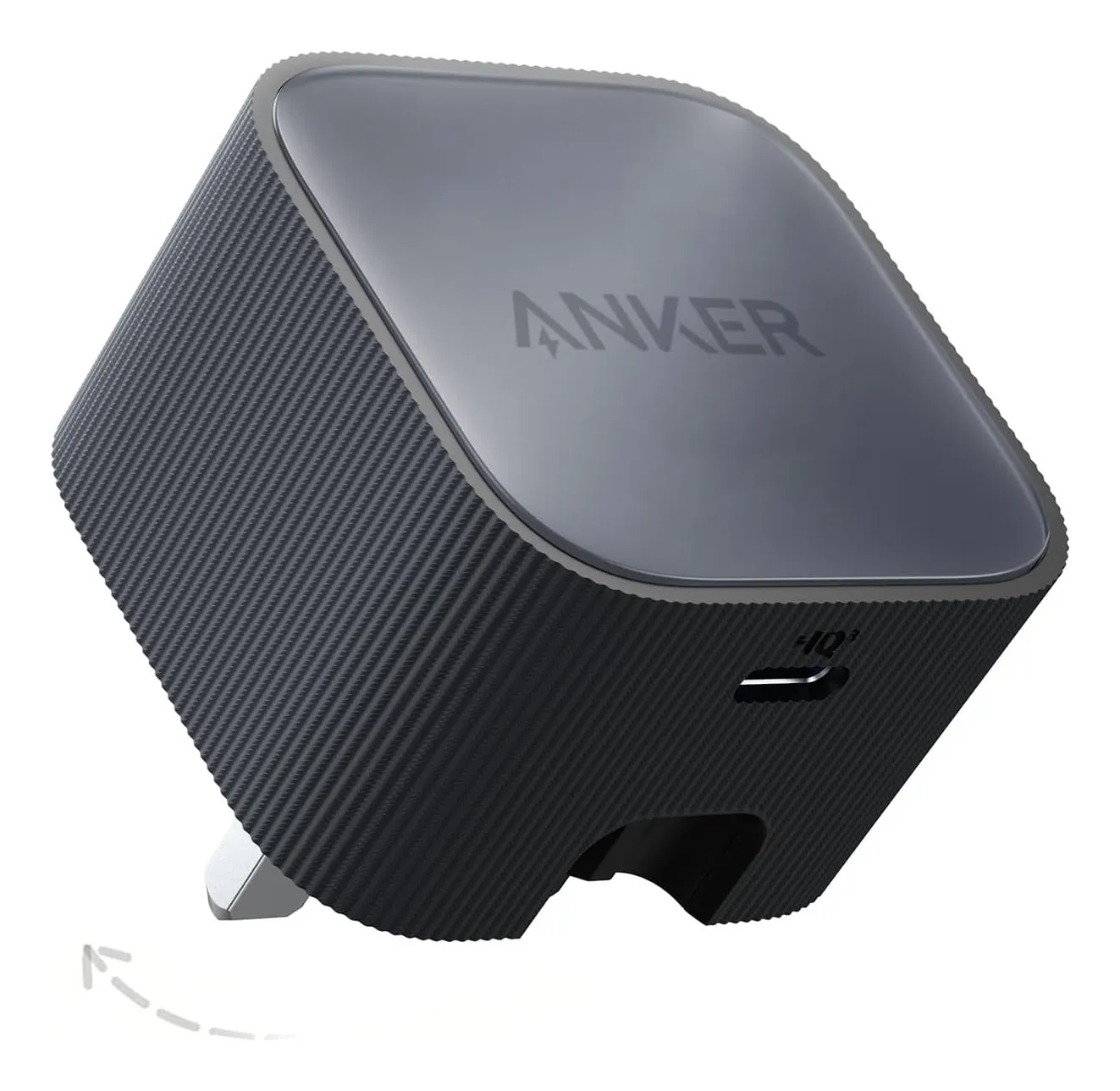
Anker Nano 30W
- Maximum output
- 30 W
- Ports
- 1 × USB-C
- Power sharing
- Single port — no sharing
- Protocols
- USB PD with PPS; PIQ 3.0 per the listing
- GaN
- Yes
- Body size
- 49 × 49 × 32 mm
Check price on Amazon.co.uk
A charger’s wattage is the most it can supply, not what it does supply. Under USB Power Delivery the charger advertises a menu of voltage-and-current pairs; Anker prints the menu for its Nano 30 W — 5 V at 3 A, 9 V at 3 A, 12 V at 2.5 A, 15 V at 2 A, 20 V at 1.5 A — and the device chooses the highest it can use. A phone typically takes 9 V; a laptop takes 20 V. So a 30 W charger is a phone charger and a slow tablet charger, and a laptop plugged into it will take what it can — 30 W — and run down under load.
The ceiling matters in the other direction too: a MacBook Air is happy at 30 to 45 W but charges properly at 65; a 14-inch MacBook Pro or a 65 W Windows laptop wants 65 to 100 W; a 16-inch MacBook Pro’s own adapter is 140 W. Buy the charger for the biggest device, and the small devices will take their share.
Strengths
- 72.6 g with folding pins — the smallest thing here
- 30 W with PPS covers any current phone at full speed
- GaN body 29 % smaller than Anker's old 20 W brick
Limitations
- One port: the box of plugs does not shrink if you own three devices
- Not enough for Samsung's 45 W 'Super fast charging 2.0' or any laptop
- No cable in the box
Good for
- one phone, charged overnight or fast
- the coat pocket
- a bedside socket
Look elsewhere if
- a laptop or a tablet at full speed
- two devices at once
PPS: why Samsung is different
Standard PD steps between fixed voltages. Samsung’s fastest mode uses PPS — Programmable Power Supply — in which the phone asks the charger for a precisely adjusted voltage and current and re-adjusts continuously. Without PPS a Samsung shows “Fast charging” and charges at roughly 15 W; with PPS and enough power it shows “Super fast charging” (25 W) or “Super fast charging 2.0” (45 W). Samsung’s own support page adds the third requirement: a 45 W adapter and a 5 A e-marked cable, and it says the mode cannot be reached with standard chargers.
Anker’s FAQ on the subject explains the label confusion: its 45 W PPS chargers show “Super fast charging” rather than “2.0” because of how the protocol is reported, the total charge time is almost identical to Samsung’s own 45 W adapter, and the label can vanish when a second port is in use — because the phone’s port is then getting less than 45 W. If you own a Samsung, “PPS” on the specification is the word to look for; every charger in our roundup states it except Anker’s 100 W.
The cable: a rating you cannot see
100 W and a 100 W cable
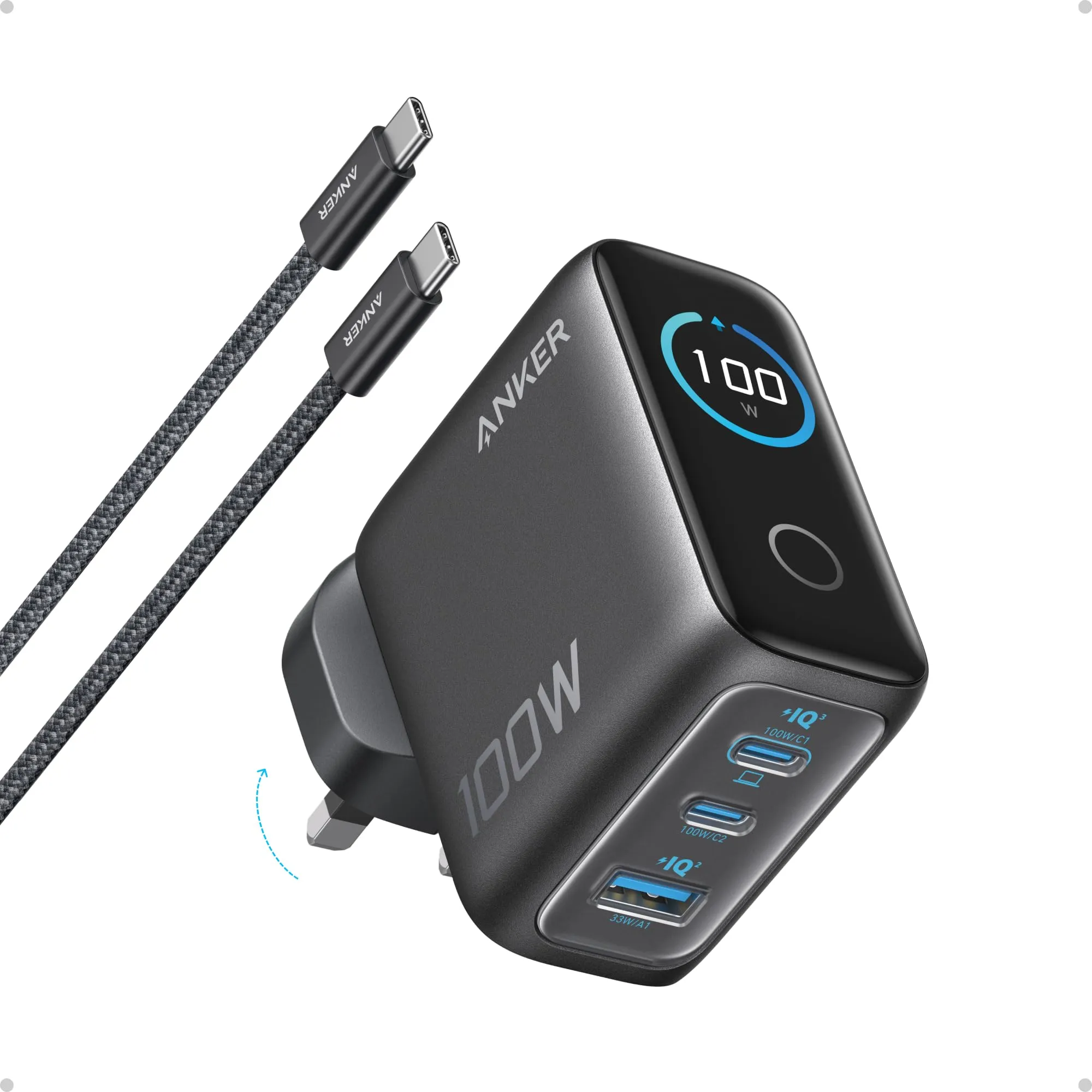
Anker 100W 3-port
- Maximum output
- 100 W
- Ports
- 2 × USB-C + 1 × USB-A
- Power sharing
- C1 + C2: 70 + 30 or 95 + 5 W; C + A: 67 + 33 or 95 + 5 W; all three: 80 + 12 + 7.5 W
- Protocols
- USB PD (20 V⎓5 A); PPS not stated†
- GaN
- Yes
- Body size
- 69 × 55 × 34 mm†
Check price on Amazon.co.uk
USB-C cables look identical and are not. The base rating is 3 A, which at PD’s 20 V is 60 W. Plug a 100 W charger into a 100 W laptop through a 3 A cable and the laptop gets 60 W, silently. A 5 A cable carries an e-marker chip that tells the charger it can take 100 W; Anker says exactly this about its 100 W charger — use a 100 W or higher-rated cable for the full figure — and includes one.
Strengths
- 100 W single-port and a printed split for every combination
- Touch display shows what each port is drawing
- Folding pins; cable in the box
Limitations
- Anker's page contradicts itself on size and weight
- PPS not stated — check before buying it for a Samsung
- Needs a 100 W-rated cable for the headline figure
Good for
- a 14-inch MacBook Pro or 90–100 W Windows laptop plus a phone
- a desk that charges three things
- people who like to see the numbers
Look elsewhere if
- a 16-inch MacBook Pro at full speed (140 W)
- the smallest possible bag
140 W — PD 3.1 and an E-Marker cable
Anker 140W 4-port
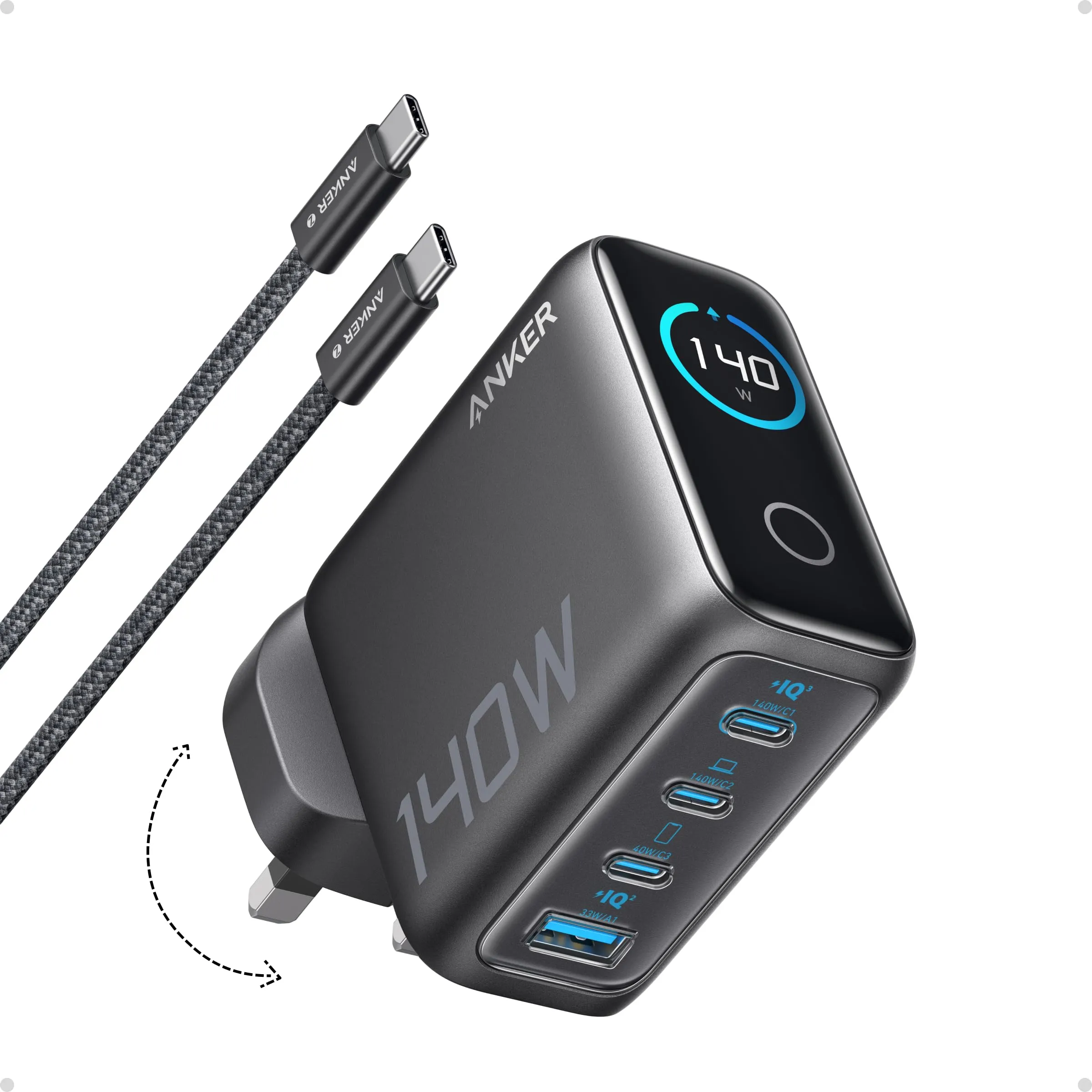
- Maximum output
- 140 W
- Ports
- 3 × USB-C + 1 × USB-A
- Power sharing
- C1 + C2: 70 + 70 W; C + C3: 100 + 40 W; C + A: 100 + 33 W; three ports: 65 + 45 + 30 W
- Protocols
- USB PD 3.1 (28 V⎓5 A EPR), PD 3.0, PPS, QC 3.0, FCP, AFC, Apple, BC1.2
- GaN
- Yes
- Body size
- 69 × 69 × 36 mm
Check price on Amazon.co.uk
Above 100 W the standard changes. USB PD 3.1 adds Extended Power Range: 28 V, 36 V and 48 V at 5 A, for 140, 180 and 240 W. That needs a cable marked for it — sold as 140 W or 240 W cables — and Anker’s 140 W charger says an E-Marker cable is required for anything above 100 W. The practical rule: 60 W cables cap laptops at 60 W; 100 W cables cover every charger up to 100 W; 240 W cables are for the 140 W port and nothing else needs them.
Strengths
- 140 W via PD 3.1 — the full speed of a 16-inch MacBook Pro
- 70 + 70 W: two laptops at once, splits printed for every combination
- Three USB-C and a USB-A with folding pins
Limitations
- 295 g (395 g with cable, per Anker's table) — it stays on the desk
- Above 100 W only with an E-Marker cable
- Dell laptops are capped at 60 W by Anker's own note
Good for
- a 16-inch MacBook Pro or two laptops
- the household charging station
- replacing the laptop's own brick
Look elsewhere if
- a bag — the 30 W or 65 W chargers travel
- Dell owners expecting the full figure
The split: what two devices actually get
65 W with the split printed
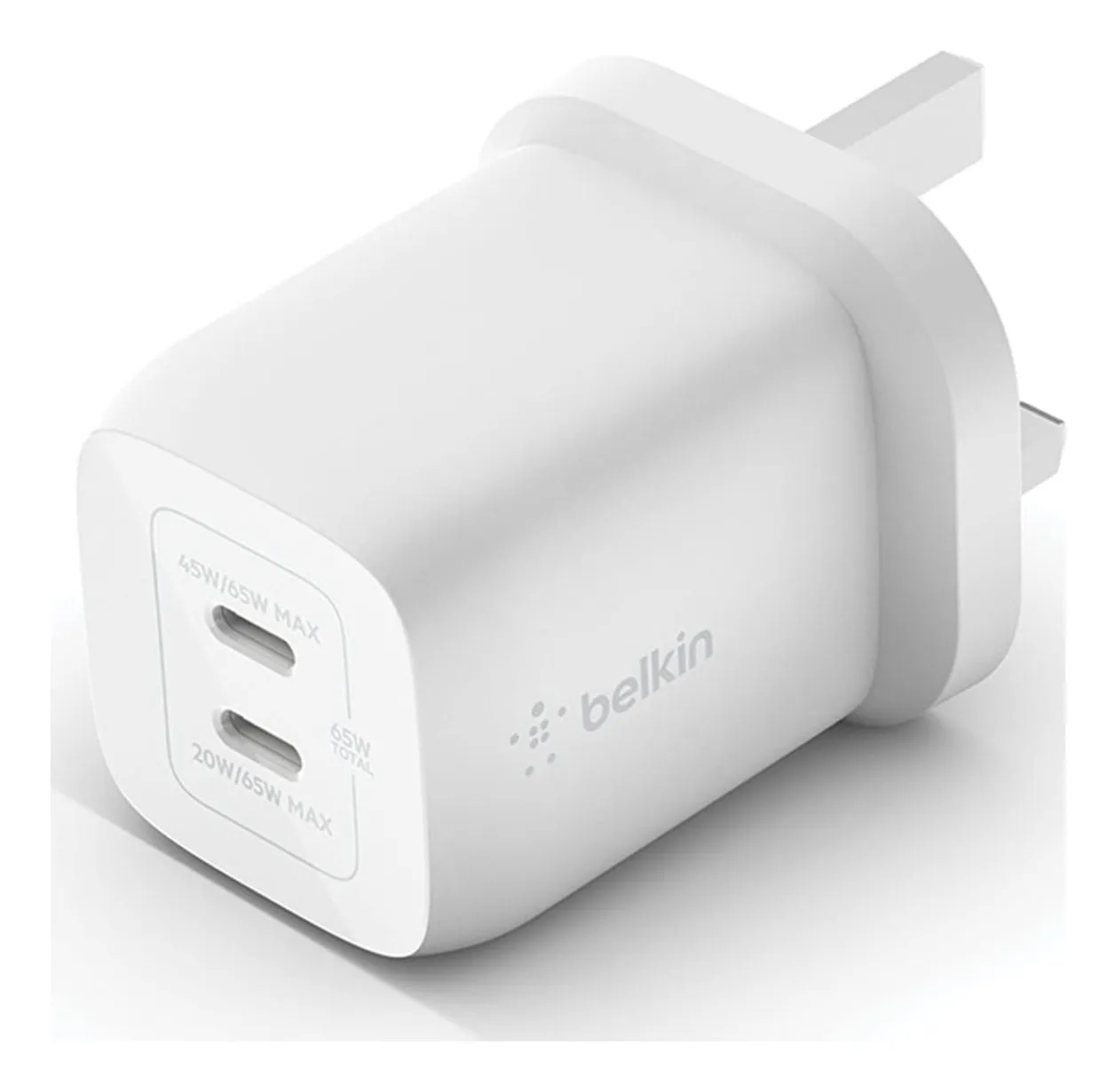
Belkin BoostCharge Pro 65W
- Maximum output
- 65 W
- Ports
- 2 × USB-C
- Power sharing
- 45 W + 20 W with both ports in use (top + bottom); 65 W alone
- Protocols
- USB PD 3.0, PPS
- GaN
- Yes
- Body size
- Not stated by Belkin†
Check price on Amazon.co.uk
A multi-port charger shares its total, and the sharing rule is the maker’s choice. Belkin publishes it for its 65 W dual: 65 W to one device alone, 45 W plus 20 W with both ports in use — a laptop and a phone at sensible speeds — with the note that a Lightning cable in the second port reduces the top port’s output. Anker publishes every combination for its 100 W and 140 W chargers: 70 plus 30 or 95 plus 5, 80 plus 12 plus 7.5 for three, 70 plus 70 for two laptops on the 140. UGREEN’s UK pages do not publish splits at all.
Two rules follow. Put the laptop on the port the maker designates as the high one (usually C1). And do the arithmetic before buying: a 65 W charger feeding a 65 W laptop and a phone gives the laptop 45 W, which for a MacBook Air is fine and for a 14-inch Pro under load is a slow drain.
Strengths
- The split is stated: 45 W + 20 W — you know what the phone gets
- PD 3.0 and PPS on both ports
- Two-year warranty
Limitations
- No USB-A
- Belkin does not state size, weight or whether the pins fold
- 45 W on the top port drops if a Lightning cable is in the bottom one
Good for
- a laptop and a phone on one socket
- someone who wants documented behaviour
- a USB-C-only household
Look elsewhere if
- old USB-A cables
- pocket travel where size matters — the dimensions are unknown
What “fast” means for each device
- Phone: 20–30 W is the ceiling for most; Samsung’s 45 W needs PPS and a 5 A cable; iPhones use PD without PPS.
- Tablet: 20–45 W.
- Earbuds, watch: under 10 W; any port.
- MacBook Air, 13-inch Pro, 65 W Windows laptops: 65 W, or 45 W for a slow charge while working.
- 14-inch MacBook Pro, 90–100 W laptops: 100 W with a 100 W cable.
- 16-inch MacBook Pro: 140 W via PD 3.1 with an E-Marker cable.
Safety, briefly
A charger that negotiates properly cannot overpower a device; the danger is the charger that does not — counterfeit or uncertified units without proper insulation or protection. Electrical Safety First’s advice is to buy USB chargers from a reputable retailer rather than a third-party marketplace seller, and to check the plug is a proper UK three-pin. On Amazon that means the brand’s own listing with an explicit UK plug, not a “travel” kit with interchangeable heads unless that is what you want.
Sources
Facts checked 24 September 2026
- Samsung UK support — How to use Super fast charging — Manufacturer documentation, checked 23 September 2026
- Anker support — Why does my Samsung phone not show 'Super fast charging 2.0' — Manufacturer documentation, checked 23 September 2026
- Electrical Safety First — USB chargers guidance — Standard or regulation, checked 23 September 2026
- Anker UK — Nano USB-C Wall Charger (30W) A2337 product page — Manufacturer documentation, checked 23 September 2026
- Amazon.co.uk listing (Anker) — Retailer listing, checked 23 September 2026
- Belkin UK — BoostCharge Pro Dual USB-C GaN Wall Charger with PPS 65W (WCH013) product page — Manufacturer documentation, checked 23 September 2026
- Amazon.co.uk listing (Belkin) — Retailer listing, checked 23 September 2026
- Anker UK — Charger (100W, 3 Ports, Smart Display) B121B product page — Manufacturer documentation, checked 23 September 2026
- Amazon.co.uk listing (Anker) — Retailer listing, checked 23 September 2026
- Anker UK — Charger (140W, 4-Port, PD 3.1) with USB-C Cable A2697/B2697 product page and spec sheet (service.anker.com) — Manufacturer documentation, checked 23 September 2026
- Amazon.co.uk listing (Anker) — Retailer listing, checked 23 September 2026
Will a 100 W charger damage my phone?
No. USB Power Delivery is a negotiation: the device requests a voltage and current it can accept and the charger supplies that or less. A phone on a 100 W charger draws its own 20-odd watts. Which? says the same — a phone only takes the maximum power it is capable of charging at. The exceptions are counterfeit chargers with no proper negotiation, which is a safety problem rather than a wattage one.
Why does my Samsung say 'Fast charging' instead of 'Super fast charging'?
Samsung's Super fast charging needs a charger that supports PPS (Programmable Power Supply), enough wattage — 45 W for 'Super fast charging 2.0' — and, on most models, a 5 A e-marked USB-C cable; Samsung's support page says it cannot be done with standard chargers. Anker's FAQ adds that its 45 W chargers show 'Super fast charging' rather than '2.0' because of protocol labelling, and that the label can disappear when another port is in use, because the phone's port then gets less than 45 W.
What cable do I need for 100 W?
A USB-C cable is rated for current. The basic rating is 3 A, which at 20 V is 60 W and will cap a laptop at 60 W without any warning. A 5 A cable with an e-marker chip carries 100 W — what Anker says its 100 W charger needs for the full figure. Above 100 W, USB PD 3.1 uses higher voltages (28 V and up) and requires a cable marked for 140 W or 240 W; Anker's 140 W charger needs one for anything over 100 W.
If I plug two things in, who gets what?
The charger splits its total by a rule the maker chose, and only some makers print it. Belkin's 65 W becomes 45 W plus 20 W; Anker's 100 W becomes 70 plus 30 (or 95 plus 5), and 80 plus 12 plus 7.5 with three devices; Anker's 140 W does 70 plus 70 for two laptops. UGREEN's UK pages describe 'intelligent distribution' and give no figures. The laptop on the small side of a split charges slowly or not at all while it runs.
Related reading
Shortlist · Charging & power
Compact USB-C chargers that replace the box of plugs: six sizes from 30 W to 140 W, with the port splits that matter
The drawer of chargers exists because every device came with its own. One USB-C charger of the right wattage replaces all of them — but 'the right wattage' depends on what you plug in at the same time, and only some makers publish how the power is shared. Six UK-plug GaN chargers from 30 W to 140 W, compared on the figures their makers actually state.
Shortlist · Charging & power
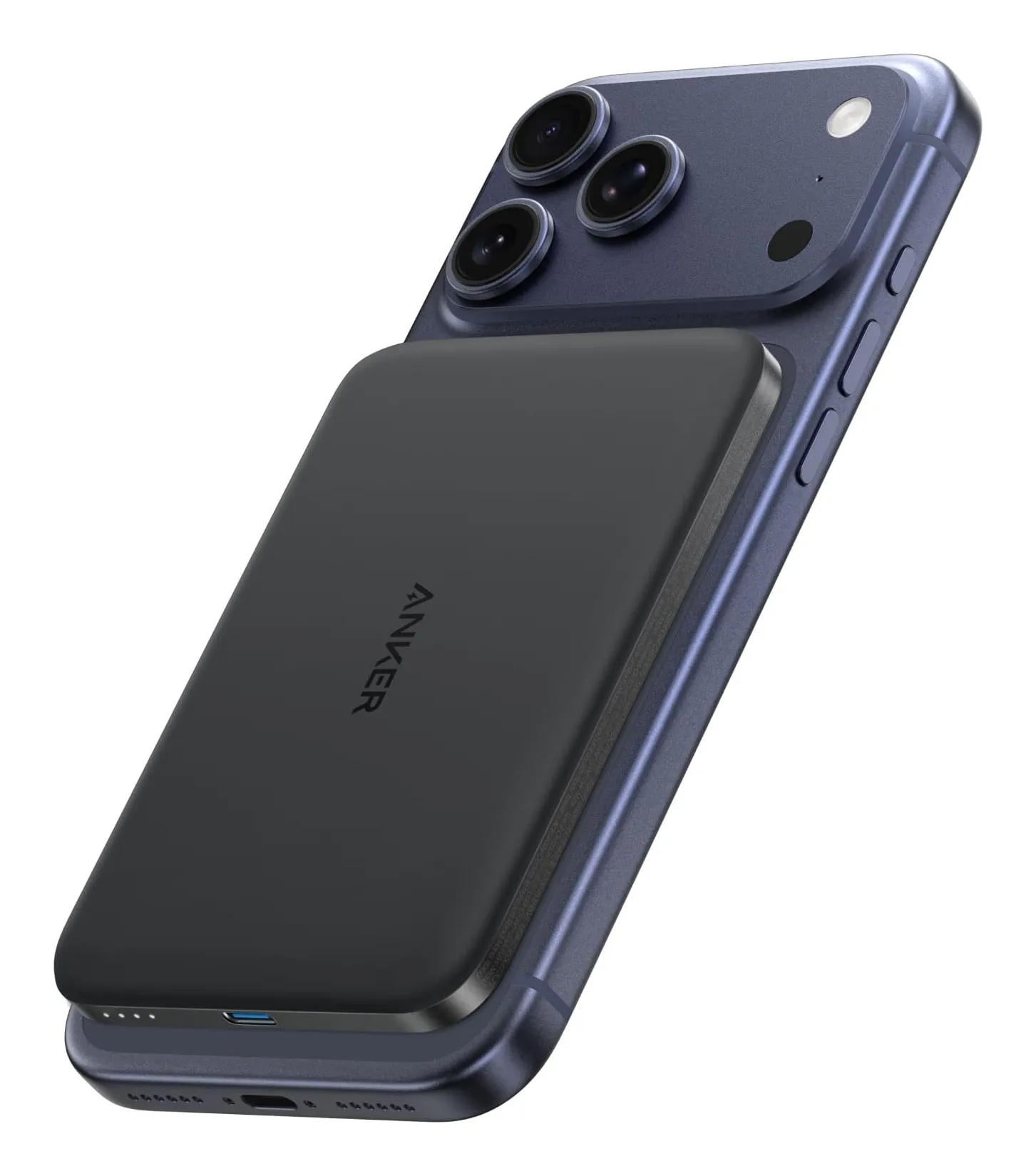
Power banks for everyday travel: six from a 122 g magnetic slab to a 99.75 Wh laptop brick, plus the 2026 flight rules
A power bank is sold by a number that is not the one that matters. The milliamp-hours on the box are cell capacity; roughly two-thirds reaches your phone, and the airline cares about watt-hours, which most makers do not print. Six banks compared on stated Wh, delivered capacity, port wattage and weight — plus the CAA rules that tightened on 27 March 2026.