


Review · Home office · 1 model
BenQ ScreenBar review: the original monitor light bar, its 1–3 cm clamp, and the 5 W it runs on
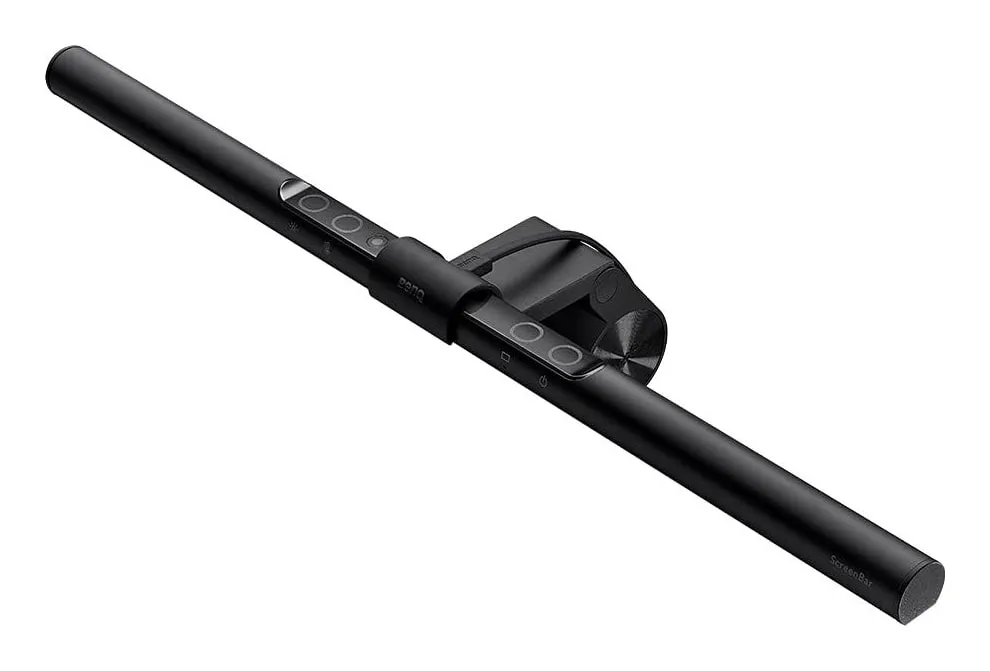
BenQ's original ScreenBar is a 45 cm bar of LEDs that hangs on top of a monitor, lights the desk in front of it to office level and keeps the light off the screen. It runs from a USB port at 5 W and takes no desk space. It fits fewer monitors than buyers expect. This review reads BenQ's specification to set out what it does, what it cannot clamp to, and when the Halo 2 or a lamp is the better buy.
Verdict
What it is
the light bar reviewed
BenQ ScreenBar monitor light bar
- Power consumption
- 5 W
- Centre illuminance
- 930 lux
- Colour temperature
- 2700–6500 K
- Monitor thickness
- 1–3 cm, flat or curved
Check price
A 45 cm aluminium-alloy and polycarbonate bar of LEDs on a weighted clamp that hooks over the top of a monitor, 9 cm deep and 9.2 cm high, weighing 0.53 kg by BenQ’s net figure. BenQ specifies 930 lux at the centre 45 cm below the bar and 500 lux across a 60 × 30 cm area, a colour rendering index of Ra ≥ 95, eight colour temperatures from 2700 to 6500 K and fifteen brightness levels. An ambient sensor dims or brightens the bar to hold the desk at 500 lux. Touch keys on the bar do the rest. Power is USB, 5 V at 1 A, through a 1.5 m cable.
Strengths
- Runs from any USB port at 5 W — the monitor's own will do
- No desk footprint and no screen reflection
- Auto-dims to 500 lux; eight colour temperatures, 15 levels
Limitations
- Monitors 1–3 cm thick only — many current thin monitors and most curved ones are out
- Lights the desk in front of the monitor, not the room or the paper beside it
- No backlight; no remote
Good for
- a monitor on a shallow desk in a room with some ambient light
- a work laptop docked to a monitor
- the first light bar, to see whether the idea suits you
Look elsewhere if
- a laptop screen — it cannot mount
- a dark room in the evening — the Halo 2's backlight
- thin or curved monitors
What it lights
The bar’s optics are asymmetric: light goes forward and down, not back towards the screen. The result is a lit rectangle of 60 × 30 cm in front of the monitor — the keyboard, the mouse, the near edge of the desk — at 500 lux, the level commonly used for office work, and a screen with no reflection on it. The HSE’s display-screen guidance asks for lighting that avoids glare and reflections on the screen; a light bar solves that by design rather than by placement.
What it does not light is just as clear. Paper beside the keyboard, a notebook to one side, a bookshelf behind, your face for a video call: none of these is in the 60 × 30 cm patch. If your desk work includes any of them, a desk lamp does what a bar cannot, and our light-bar-versus-lamp comparison sets out the trade in detail.
Auto-dimming and colour
The ambient sensor is the feature that makes the bar disappear in use. As daylight fades, it raises the output to hold 500 lux on the desk; as the morning brightens, it backs off. Set it once and stop thinking about it. The fifteen levels and the eight colour temperatures, from a warm 2700 K to a cool 6500 K, are there for when you want to override it: cool white in the afternoon, warm in the evening. The Ra ≥ 95 colour rendering means colours on paper and objects on the desk look as they should, which matters to anyone matching fabric or checking a print.
The clamp: check this first
BenQ specifies the original ScreenBar for monitors 1 to 3 cm thick at the top, flat or curved. Many monitors sold now are thinner than 1 cm at the top edge, and some gaming and older office monitors are thicker than 3 cm. A strongly curved monitor may also sit poorly under a straight 45 cm bar. Measure your monitor’s top edge with a ruler before buying.
There is also no version for a laptop. The clamp needs a monitor’s rigid top edge; a laptop lid is thinner, hinged and at the wrong height. For a laptop-only desk, a lamp or a monitor on a stand is the answer.
Power and the cable
At 5 W from USB, the bar needs no mains socket, which on a desk with a full socket strip is half its appeal. Plug it into the monitor’s own USB-A port and the 1.5 m cable disappears behind the stand. One catch: many monitors cut power to their USB ports when they sleep, which turns the bar off with the screen. For some that is a feature; for anyone who reads at the desk after the screen sleeps, a small USB wall charger keeps it on.
The weight figure
BenQ gives 0.53 kg as the net weight; the listing says 800 g, and BenQ’s gross weight with packaging is 0.94 kg. We use BenQ’s net figure and record the conflict. Whichever figure you read, it is light enough that a monitor stand does not notice it.
Against the Halo 2
We reviewed BenQ’s ScreenBar Halo 2 separately. It adds a backlight that washes the wall behind the monitor — easing the contrast between a bright screen and a dark room — a wireless controller, and a much wider clamp of 0.43 to 6 cm with stated curved-screen support from 1000R to 1800R, at 15 W, three times the original’s figure, from a 5 V 3 A USB-C source such as a phone charger rather than a monitor’s port. The original is the simpler, narrower tool: if your monitor fits and your room has some other light in the evening, it does the essential job.
Strengths
- Runs from any USB port at 5 W — the monitor's own will do
- No desk footprint and no screen reflection
- Auto-dims to 500 lux; eight colour temperatures, 15 levels
Limitations
- Monitors 1–3 cm thick only — many current thin monitors and most curved ones are out
- Lights the desk in front of the monitor, not the room or the paper beside it
- No backlight; no remote
Good for
- a monitor on a shallow desk in a room with some ambient light
- a work laptop docked to a monitor
- the first light bar, to see whether the idea suits you
Look elsewhere if
- a laptop screen — it cannot mount
- a dark room in the evening — the Halo 2's backlight
- thin or curved monitors
Who should buy it
- A monitor 1 to 3 cm thick on a shallow desk, where a lamp would take space the desk does not have.
- Screen-only work into the evening in a room with some ambient light.
- A work laptop docked to a monitor, with the bar powered from the monitor’s USB port.
Who should not
- A laptop-only desk. It cannot mount on a laptop; buy a lamp.
- Thin or strongly curved monitors. Outside BenQ’s 1–3 cm clamp; the Halo 2 takes 0.43 to 6 cm.
- A dark room in the evening. The bar lights the desk, not the room; the Halo 2’s backlight or a lamp bounced off the wall does.
- Paper, notebooks and video calls. A desk lamp lights what you aim it at.
Sources
Facts checked 9 November 2026
- HSE — Display screen equipment: good posture — Standard or regulation, checked 24 September 2026
- BenQ UK — ScreenBar (original) product page — Manufacturer documentation, checked 24 September 2026
- BenQ UK — ScreenBar (original) specifications — Manufacturer documentation, checked 24 September 2026
- Retail listing (BenQ) — Retailer listing, checked 24 September 2026
Will the BenQ ScreenBar fit my monitor?
Check the thickness of the top edge. BenQ specifies monitors 1 to 3 cm thick, flat or curved, for the original ScreenBar's clamp. Many current monitors are thinner than 1 cm at the top, and some are thicker than 3 cm, and those are outside BenQ's range. BenQ's Halo 2 has a wider clamp of 0.43 to 6 cm and states curved-screen support from 1000R to 1800R.
Can it be powered from the monitor?
Usually, yes. BenQ gives the power as USB at 5 V and 1 A, or 5 W at most, which any standard USB-A port can supply, including most monitors' own. The cable is 1.5 m. If the monitor's USB port switches off when the monitor sleeps, so will the bar; a USB phone charger in the wall avoids that.
Does it cause glare on the screen?
It is designed not to. The bar's optics throw light forward and down onto the desk, with a cut-off that keeps it off the screen and out of your eyes. That is the main reason to choose a light bar over a desk lamp, which has to be positioned carefully to avoid reflections in a glossy screen.
Is the original ScreenBar still worth buying over the Halo 2?
For a monitor inside its 1–3 cm clamp range, in a room with some other light, yes: it does the core job — 500 lux across the keyboard, auto-dimming, eight colour temperatures — at 5 W. The Halo 2 adds a backlight that lights the wall behind the monitor, a wireless controller and a wider clamp. If you work in a dark room or your monitor is thin or strongly curved, buy the Halo 2.
Related reading
Comparison · Home office
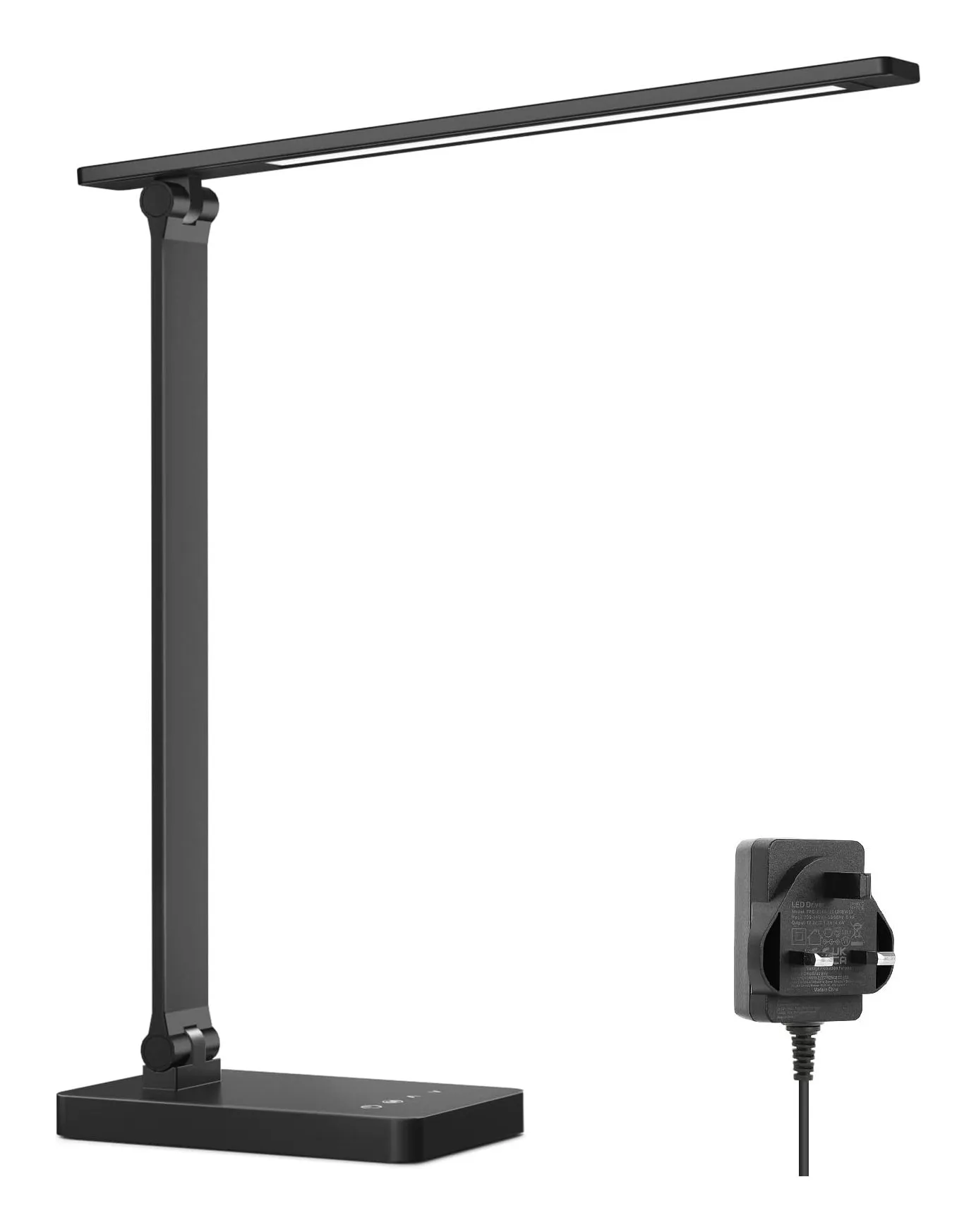
Monitor light bar or desk lamp: which do you need? BenQ ScreenBar against a 750-lumen Lepro lamp
A light bar clamps to the monitor, takes no desk space, runs from a USB port and lights exactly the patch of desk in front of the screen. A desk lamp lights whatever you point it at — including paper, the shelf and your face on a video call — and needs a socket and 10 by 16 cm of desk. Which you need depends on one question: is the screen the only thing you look at?
Review · Home office
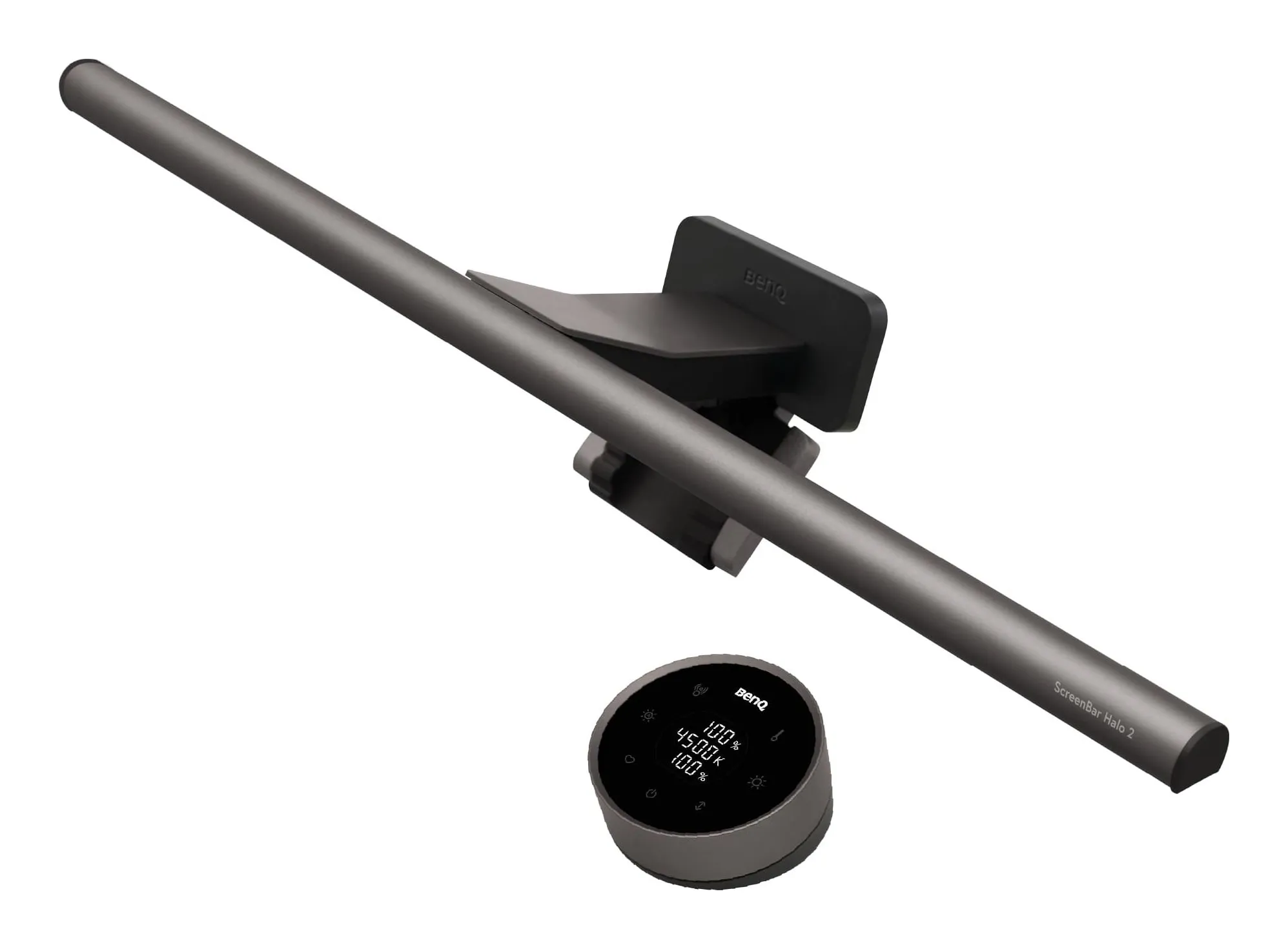
BenQ ScreenBar Halo 2 review: a monitor light bar for a dark room
A 50 cm bar that clamps to the top of a monitor, lights the desk in front of it without reflecting in the screen, and — this is the Halo part — throws a second, tunable light onto the wall behind the monitor so a dark room stops being a dark room. A wireless dial runs both. BenQ's own figures, what it leaves out, and who should buy the plain ScreenBar or a desk lamp instead.
Shortlist · Home office
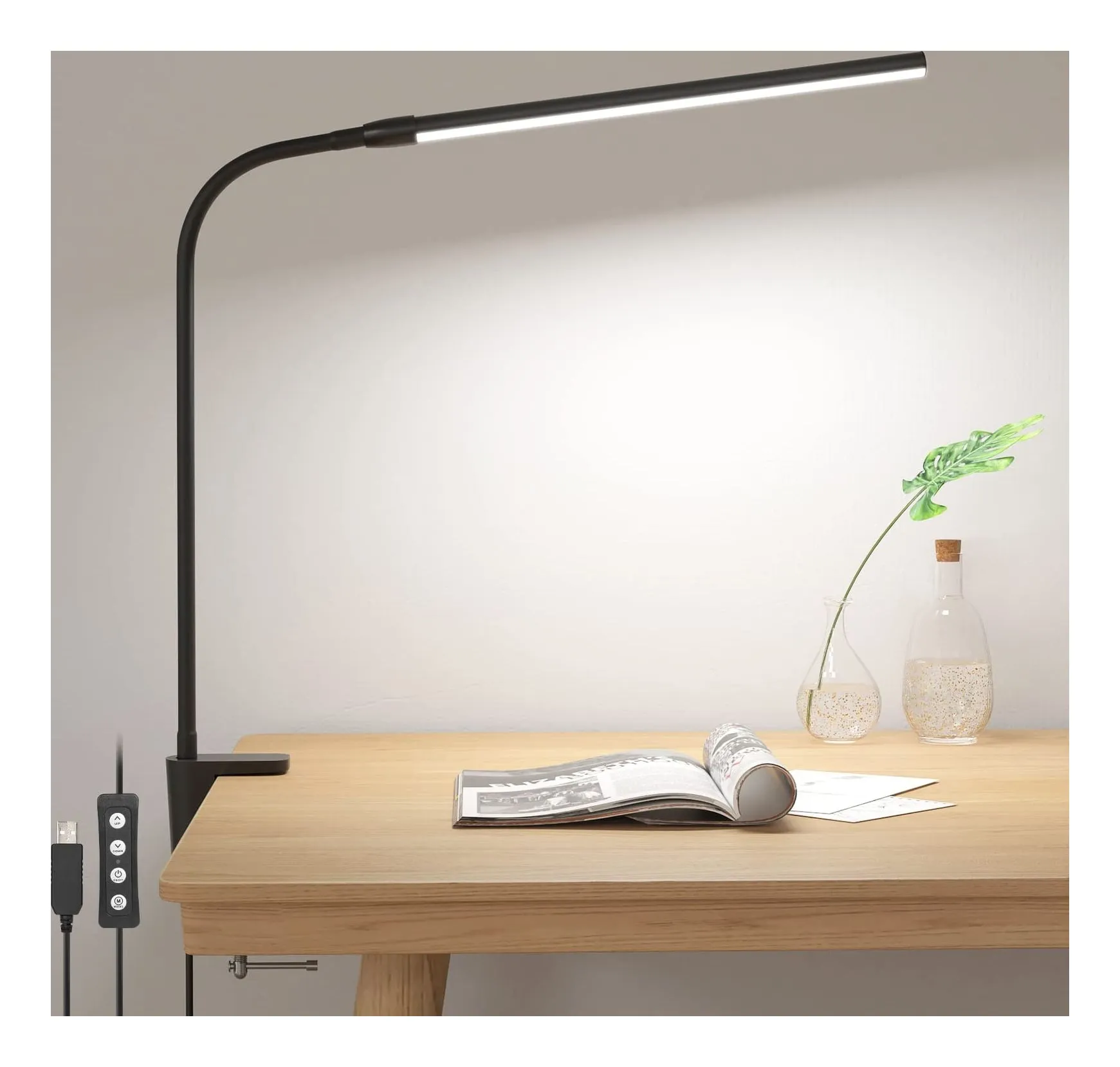
Desk lamps for working from home: six lamps for a small UK desk, from a USB clip-on to an Anglepoise
Most desk lamps are chosen on looks and then blamed for glare. These six differ in the ways that actually matter at a small desk: how much light lands on the surface, whether the colour can shift from daylight to evening, how much desk they take, and where the power comes from — a USB port, a plug-in adapter or an ordinary bulb.
Comparison · Home office
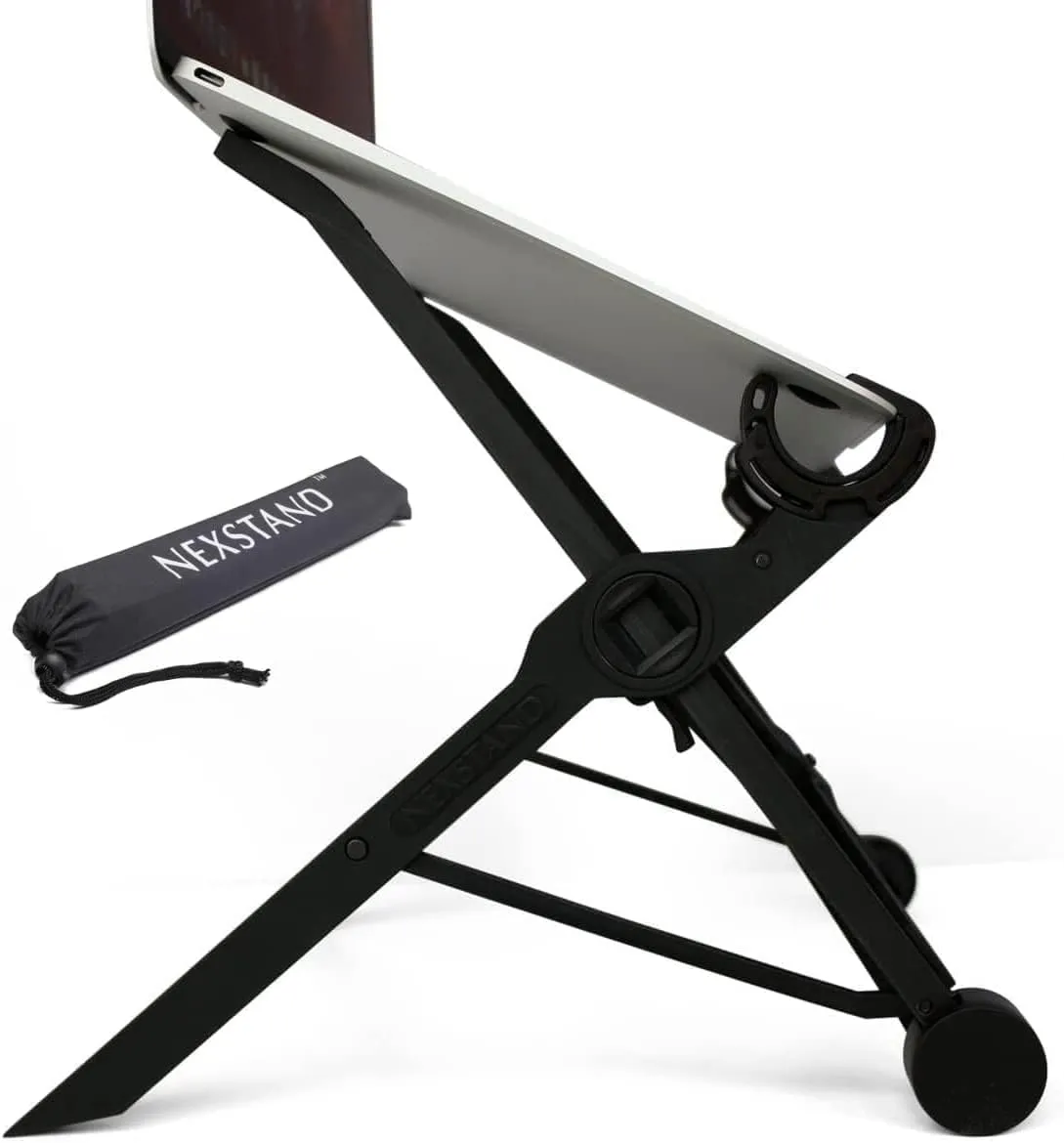
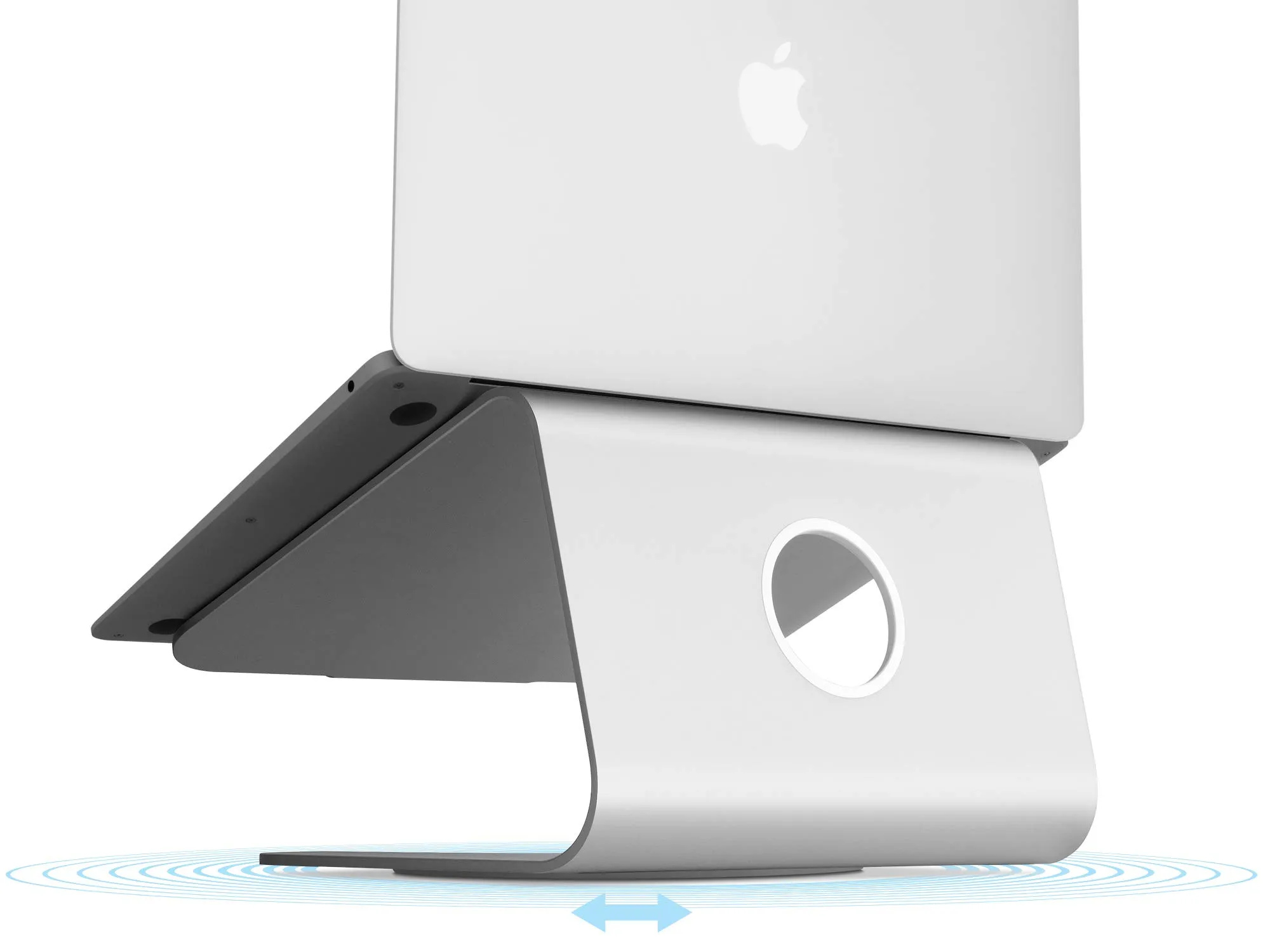
Folding or fixed laptop stand? Nexstand K2 against Rain Design mStand
Both lift a laptop screen towards eye level so you can work with a separate keyboard, which is what the HSE's display-screen guidance asks for. One is a 234 g nylon frame that folds into the laptop bag and adjusts from 14 to 29 cm; the other is a 1.46 kg slab of aluminium fixed at 15 cm. Which to buy depends on whether your desk is always the same desk, and how tall you are.