


Review · Charging & power · 1 model
Anker 140W 4-port charger (A2697) review: two laptops from one socket, and a charger that stays on the desk
Anker's 140 W charger is the one mains plug in our charging coverage that matches a 16-inch MacBook Pro's own adapter, and it can run two laptops at 70 W each while a phone and earbuds share what is left. It also weighs about as much as a can of beans and needs the right cable above 100 W. This review is about who should put it behind the desk and who is buying too much charger.
Verdict
What it is
the charger reviewed
Anker 140W 4-port
- Maximum output
- 140 W
- Ports
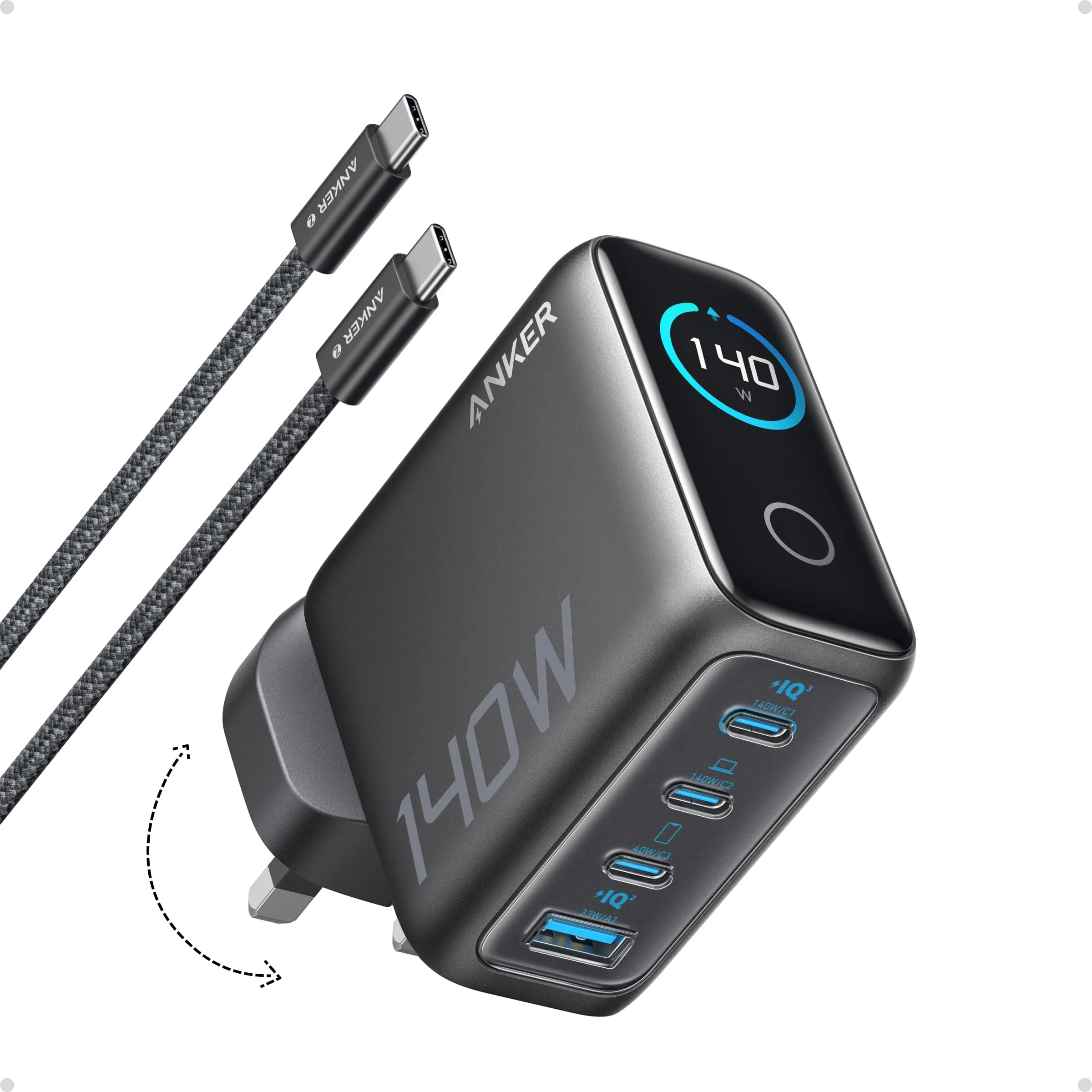
- 3 × USB-C + 1 × USB-A
- Body size
- 69 × 69 × 36 mm
- Weight
- 295 g†
Check price
A gallium-nitride mains charger with three USB-C ports and one USB-A, folding UK pins, a touch display on the front, and a body of 69 × 69 × 36 mm. Its headline is 140 W from a single USB-C port using USB Power Delivery 3.1’s Extended Power Range — 28 V at 5 A — which is the standard Apple uses for the 16-inch MacBook Pro. Anker’s protocol list runs from PD 3.1 and PD 3.0 through PPS to Quick Charge 3.0, Huawei FCP, Samsung AFC, Apple’s own mode and the old BC1.2, so nearly anything with a USB plug charges at its own best speed.
A USB-C cable is in the box. Anker’s UK page gives no warranty term and we mark it as needing a check; the colour on the listing we track is dark grey.
Strengths
- 140 W via PD 3.1 — the full speed of a 16-inch MacBook Pro
- 70 + 70 W: two laptops at once, splits printed for every combination
- Three USB-C and a USB-A with folding pins
Limitations
- 295 g (395 g with cable, per Anker's table) — it stays on the desk
- Above 100 W only with an E-Marker cable
- Dell laptops are capped at 60 W by Anker's own note
Good for
- a 16-inch MacBook Pro or two laptops
- the household charging station
- replacing the laptop's own brick
Look elsewhere if
- a bag — the 30 W or 65 W chargers travel
- Dell owners expecting the full figure
The split, port by port
Every multi-port charger shares its total between the ports, and the sharing rule matters more than the headline. Anker publishes it in full, which is still unusual:
- C1 + C2: 70 + 70 W — two laptops at once.
- One of those + C3: 100 + 40 W — a laptop and a tablet.
- USB-C + USB-A: 100 + 33 W — a laptop and a phone on an old cable.
- Three ports: 65 + 45 + 30 W.
- All four: 134 W in total.
Read that against a real household. Two people working from home with a MacBook Air and a 65 W Windows laptop each get their own adapter’s full figure from one socket, 70 W apiece. A 14-inch MacBook Pro and an iPad get 100 and 40 W — both above what most people’s original chargers supply. The single-port 140 W only applies when one device is plugged in, and that is the case that matters for a 16-inch MacBook Pro used under load: anything less and the battery drains while the machine works.
The cable rule above 100 W
USB PD tops out at 100 W over a standard 5 A cable. The step to 140 W uses a higher voltage, 28 V, and only a cable with an E-Marker chip rated for it is allowed to carry that. Anker says plainly that an E-Marker cable is required above 100 W and puts one in the box. Use your own and check its marking: a cable sold as 240 W covers the 140 W port; one sold as 100 W caps the laptop at 100 W; an ordinary 3 A cable caps it at 60 W. Nothing on the charger or the laptop tells you which happened, except a slower charge.
Dell, Samsung and the rest
Two compatibility notes come from Anker’s own page and the protocol list. Anker says Dell laptops are limited to 60 W on this charger; a Dell that ships with a 90 or 130 W brick will charge, but slowly, and a Dell owner wanting full speed should keep Dell’s adapter. Samsung’s Super Fast Charging, at 25 or 45 W, needs PPS, and PPS is on Anker’s list for this model — unlike the 100 W Anker we reviewed earlier, whose UK page does not state it. A recent Galaxy on one of the USB-C ports should show “Super fast charging” rather than plain “Fast charging”.
Size, weight and the display
At 69 × 69 × 36 mm the charger is a cube you can hold in one hand, but it is not a pocket item. Anker’s body copy and its spec sheet give 295 g; the table on Anker’s UK page prints 395 g, which is probably the charger with its cable. We publish 295 g and flag the conflict. Either figure is the weight of a laptop brick, and that is the honest way to think of it: this replaces the 16-inch MacBook Pro’s adapter, the tablet charger and the phone plug at once, and it lives where they lived.
The touch display shows what each port is drawing. As with the 100 W model, it is accurate, briefly interesting and then ignored; the charger sits behind a desk, and the number that matters is on the laptop. It is not a reason to buy and not a reason to avoid.
Safety
A high-wattage charger cannot overpower a phone or earbuds. Under USB PD the device asks for the voltage and current it can take, and the charger supplies that or less; the earbuds on the USB-A port draw what earbuds draw. Electrical Safety First’s advice on USB chargers is about counterfeits rather than wattage: buy from a reputable retailer and the brand’s own listing, with a UK plug, and avoid unbranded chargers that skip the negotiation.
Strengths
- 140 W via PD 3.1 — the full speed of a 16-inch MacBook Pro
- 70 + 70 W: two laptops at once, splits printed for every combination
- Three USB-C and a USB-A with folding pins
Limitations
- 295 g (395 g with cable, per Anker's table) — it stays on the desk
- Above 100 W only with an E-Marker cable
- Dell laptops are capped at 60 W by Anker's own note
Good for
- a 16-inch MacBook Pro or two laptops
- the household charging station
- replacing the laptop's own brick
Look elsewhere if
- a bag — the 30 W or 65 W chargers travel
- Dell owners expecting the full figure
Who should buy it
- A 16-inch MacBook Pro owner who wants one charger to replace Apple’s brick and the phone plug.
- Two people working from one desk or one sofa, each with a laptop under 70 W.
- A household charging station: laptop, tablet, phone and earbuds from one socket, with the split in writing.
Who should not
- Anyone who wants a charger for the bag. At 295 g it stays home; a 65 W or 100 W charger travels.
- Dell owners expecting their full figure. Anker’s own note caps them at 60 W.
- One laptop under 100 W. The Anker 100 W or a 65 W charger does the same job smaller.
Sources
Facts checked 3 November 2026
- Samsung UK support — How to use Super fast charging — Manufacturer documentation, checked 23 September 2026
- Electrical Safety First — USB chargers guidance — Standard or regulation, checked 23 September 2026
- Anker UK — Charger (140W, 4-Port, PD 3.1) with USB-C Cable A2697/B2697 product page and spec sheet (service.anker.com) — Manufacturer documentation, checked 23 September 2026
- Retail listing (Anker) — Retailer listing, checked 23 September 2026
Will it charge a 16-inch MacBook Pro at full speed?
Yes, on one port and with the right cable. Apple ships the 16-inch MacBook Pro with a 140 W adapter, and Anker's charger delivers 140 W over USB PD 3.1 at 28 V on a single USB-C port. Above 100 W the cable must carry an E-Marker chip rated for it; Anker includes one. A 100 W cable caps the laptop at 100 W and a standard 3 A cable at 60 W, without any warning.
Can it charge two laptops at once?
Yes, and Anker prints the numbers: C1 and C2 together give 70 + 70 W. That is full speed for two MacBook Airs or two 65 W Windows laptops, and a respectable charge for two 14-inch MacBook Pros. With one laptop on a USB-C port and a tablet on the third USB-C, it is 100 + 40 W; with three devices, 65 + 45 + 30 W; with all four ports busy, 134 W in total.
Why does my Dell laptop only get 60 W?
Anker says Dell laptops are capped at 60 W on this charger, because Dell's own charging protocol asks for more than standard USB PD offers. It is a limit of the pairing, not a fault, and it is in Anker's own notes. A Dell that ships with a 90 W or 130 W adapter will charge from this charger, but more slowly than from its own brick.
How heavy is it?
Anker's body copy and spec sheet give 295 g; the specification table on Anker's UK page prints 395 g, which is probably the charger with its cable. We use 295 g for the charger and record the conflict. Either way it weighs more than most phones and about twice a 65 W travel charger, which is why it belongs on a desk rather than in a jacket.
Related reading
Shortlist · Charging & power
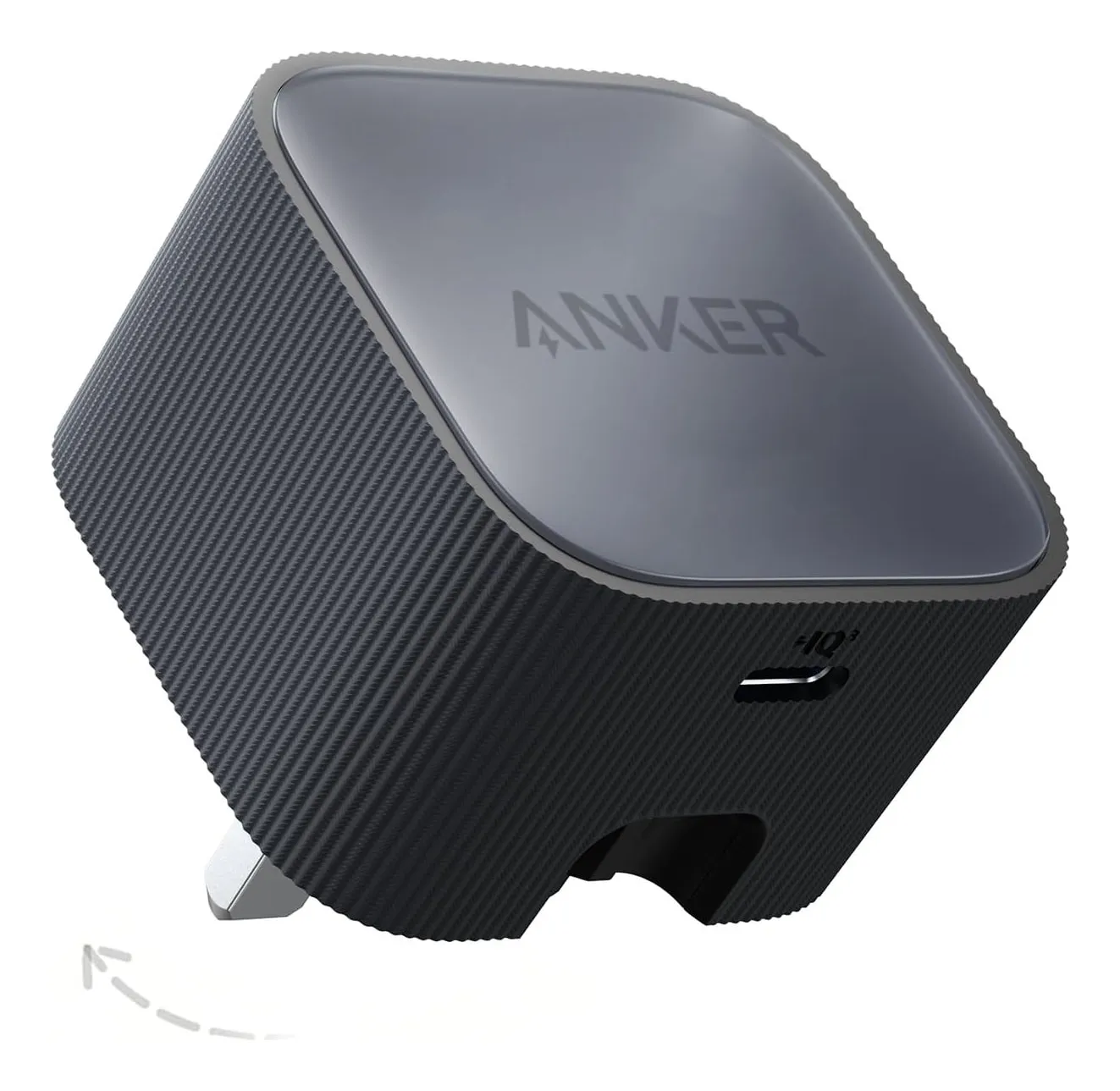
Compact USB-C chargers that replace the box of plugs: six sizes from 30 W to 140 W, with the port splits that matter
The drawer of chargers exists because every device came with its own. One USB-C charger of the right wattage replaces all of them — but 'the right wattage' depends on what you plug in at the same time, and only some makers publish how the power is shared. Six UK-plug GaN chargers from 30 W to 140 W, compared on the figures their makers actually state.
Guide · Charging & power
Charger wattage, PD, PPS and cables: what actually charges your devices fast
A USB-C charger's wattage is a ceiling, not a promise. What a phone or laptop actually draws is negotiated — by USB Power Delivery, by Samsung's PPS, by the chip in the cable — and the negotiation fails silently: the device charges slowly and nobody says why. This guide explains the three things that have to agree, using the figures Anker, UGREEN, Belkin and Samsung publish for their own products.
Review · Charging & power
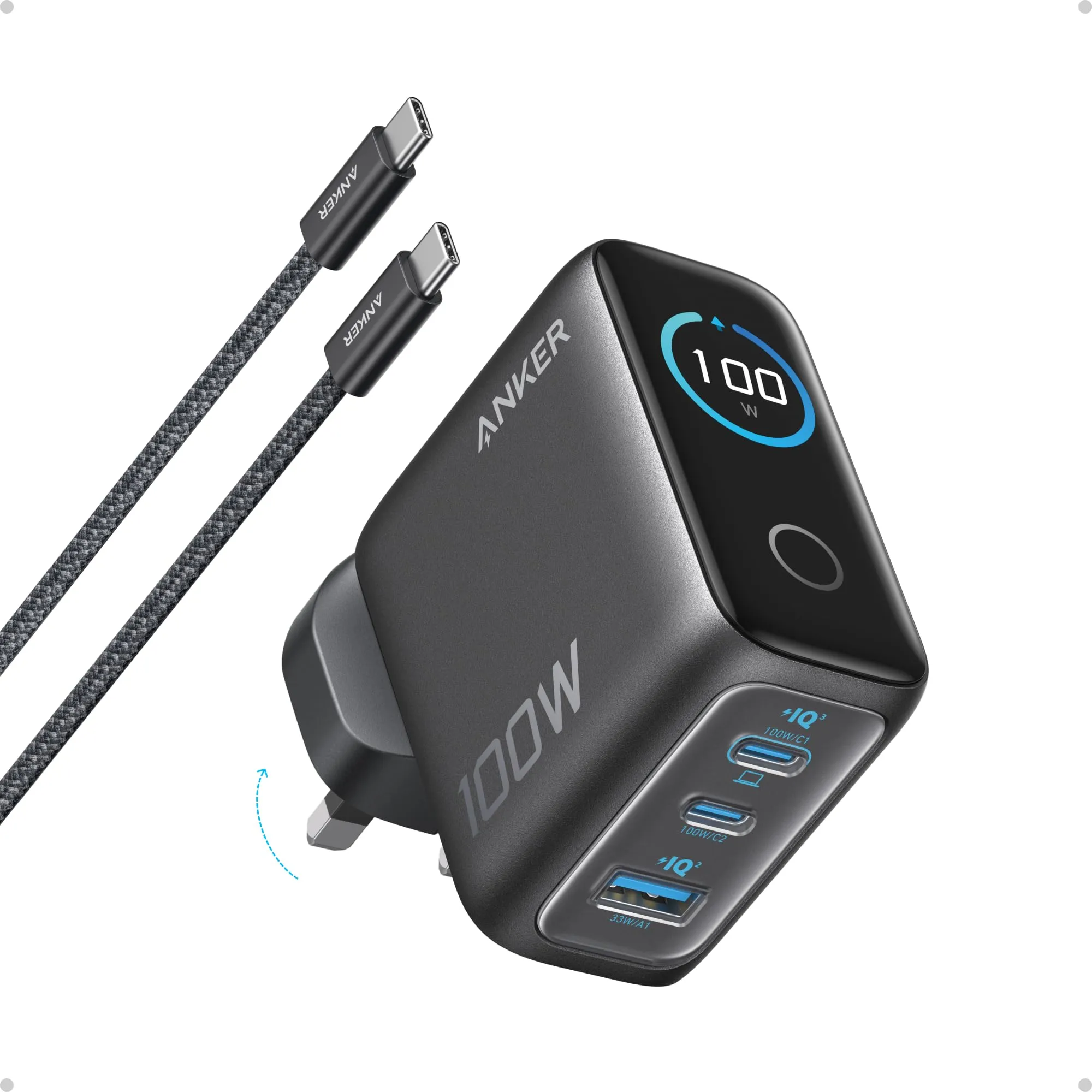
Anker 100W 3-port charger (B121B) review: the split is printed, the display is a gimmick, the cable is the catch
A 100-watt charger with two USB-C ports, one USB-A, folding UK pins and a touch display that shows what each port is drawing. The display gets the attention; the useful part is that Anker publishes exactly how the 100 W is shared — 70 + 30, 95 + 5, 80 + 12 + 7.5 — which most rivals do not. This review is about whether that is worth the bag space, and the two things Anker's own page gets wrong.
Comparison · Charging & power
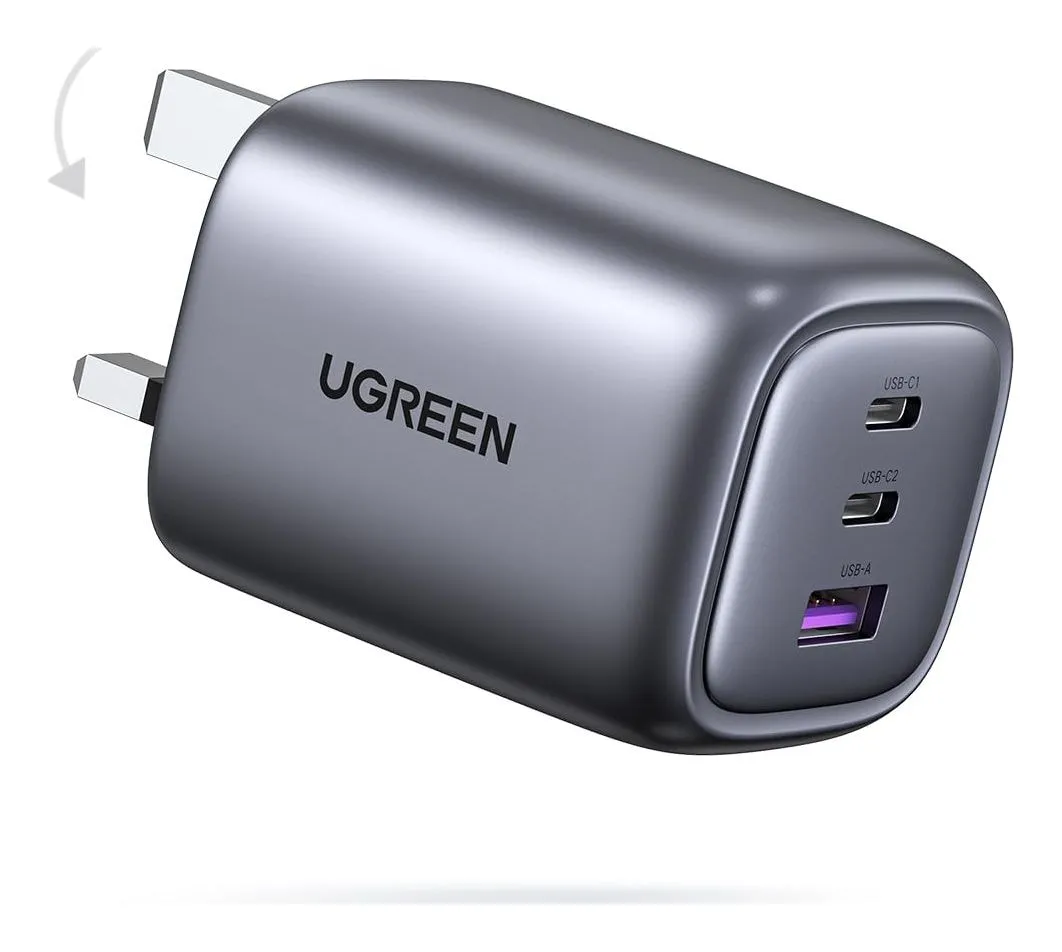
65 W or 100 W charger? UGREEN Nexode 65W against Anker 100W for a laptop-and-phone kit
Both are three-port GaN chargers with folding UK pins that replace a laptop brick and a phone plug. One is 65 W, the other 100 W; one publishes how it shares power, the other does not; one states PPS for Samsung phones, the other does not. Which to buy depends on the laptop, the phone and whether you want the arithmetic in writing.